Add a live layer to the presentation you already use

Diaposi brings questions, reactions, polls, quizzes and audience signals around your slides, without making you rebuild them.

  • Any phone, tablet or laptop
  • Private notes
  • Live questions
  • Polls and quizzes
  • A personal recap

GDPR compliance, Hosted in Europe, No training on your data, Anonymous by design, For innovative education, Mistral AI

Turn your presentation into a live conversation.

Keep the slides you already use. Diaposi adds questions, reactions, polls, quizzes, drawing and live audience insights — so you can see what is landing, what needs attention and what to change while you are still presenting.

From your file to a live room in under 30 seconds

Upload your presentation, share a code or QR, and start. Participation, live audience signals and the final report all stay in one place.

Bring your own deck

Upload the presentation you already use — PPT, PPTX, PDF, DOC or DOCX. Nothing to rebuild or recreate.

Share one code

Participants join from any browser with a short code or QR. No account, app or setup required.

Diaposi drafting questions in advance from the presentation deck

Engage the room live

Collect reactions, questions and votes. Launch polls and quizzes, draw on your slides, use a whiteboard and see live signals as the session unfolds.

The session writes its report

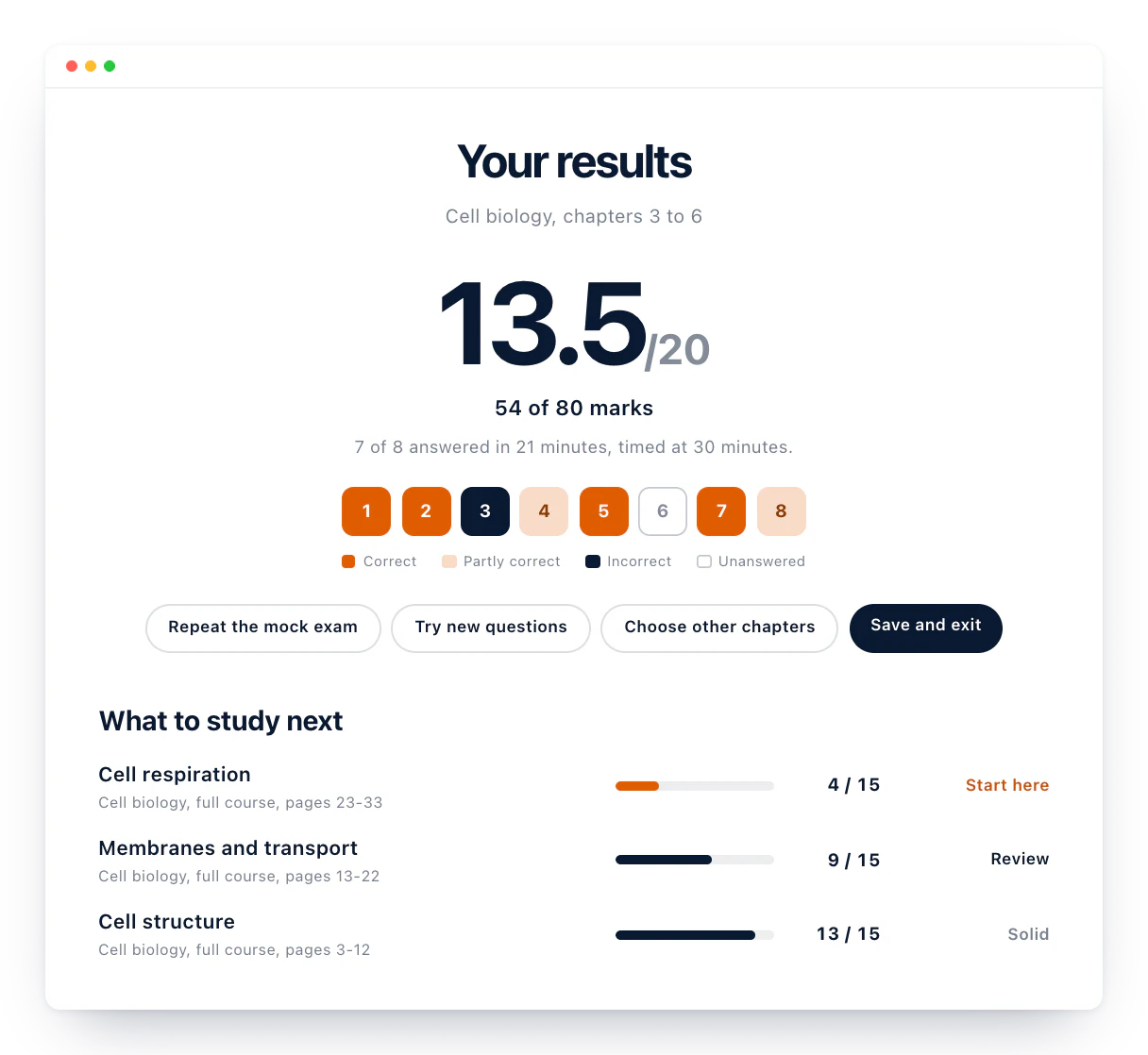
End the session and Diaposi turns what happened into a slide-by-slide report — participation, questions, reactions, results and the moments that need another look.

See what the class understands while you teach

See reactions, questions, look-backs and pacing alongside your slides, so you can spot where students are following, hesitating or need another explanation.

  • Got it / Review on every slideSee where understanding changes as you teach.
  • Look-backs and pacing signalsNotice when students revisit earlier material or need more time.
  • Polls, questions and quizzesCheck understanding without breaking the flow of the lesson.
  • Learning report after the sessionSee what landed, what needs another pass and where questions appeared.
Explore Diaposi for education

AI deck understanding, AI poll drafts, AI-generated quizzes, PowerPoint and PDF decks, Session code and QR, Anonymous participation, Got it, Review, Live pulse, Ranked questions, Question upvotes, Live polls, Quiz timer, Quiz music, Multiple choice, True or false, Open answers, Rating questions, Whiteboard, Live drawing, Annotation, Laser pointer, Raise hand, Private slide notes, Real-time analytics, Participation score, Engagement score, Slide-level heatmap, Presenter reports, Participant reports, PDF export, CSV export

AI prepares your session before the room arrives.

Understands your material
Drafts your polls
Builds your quizzes
You approve everything

What makes feedback most useful during a live session?

Collected afterwardsAI poll enhanced

Quiz ready in one click

3 sections · 12 questions · based on your material

Presenter review required
Mistral AI

Who took part, how the room moved, and what to look at again

How people joined, reacted and contributed. Where attention held and where the room went back. What happened on each slide, and which moments several signals agree are worth another pass.

Built in Europe. Designed for every room.Sustainable Development Goals

Diaposi is built in France and hosted in Europe, with privacy-first participation at its core. From classrooms and training sessions to workshops, meetings and conferences, the same platform is designed to scale without changing the way people already present.

  • Sustainable Development Goal 4: Quality Education
  • Sustainable Development Goal 9: Industry, Innovation & Infrastructure
  • Sustainable Development Goal 10: Reduced Inequalities
  • Sustainable Development Goal 17: Partnerships for the Goals

Questions before you go live?

Everything you need to know before running your first Diaposi session.

No. Upload the material you already use — PPT, PPTX, PDF, DOC or DOCX — and Diaposi builds the live layer around it.

No. They join from any browser using a QR code or session code. No account, installation or roster is required.

They can react, answer polls and quizzes, ask and upvote questions, take private notes, draw on slides and follow the presentation from their own device.

Yes, by default. Participants can ask, react and answer without attaching their identity.

Diaposi brings questions, reactions, poll and quiz responses, participation and quieter signals such as look-backs and pacing into the presenter cockpit while the session is still running.

They are signals nobody has to deliberately send — for example, participants going back to an earlier slide or still working on material after the presenter has moved on.

Diaposi turns the session into a slide-by-slide report showing participation, questions, reactions, results, pacing and the moments that may deserve another look.

Yes. Participants can leave with a personal recap containing their notes, responses, flagged material and relevant session content.

AI is optional. It can understand your material and prepare poll or quiz drafts before the session, but the presenter reviews everything before it reaches the audience.

The session continues normally. Uploads, live participation, drawing, questions and reporting do not depend on the AI layer.

Yes. Diaposi is designed for education, training, workshops, meetings and conferences.

Diaposi is built and hosted in Europe with privacy-first choices such as no participant accounts and anonymous participation by default.

For anything this does not cover, talk to us.

One presentation. A complete picture of the room.

Keep the deck you already use. Diaposi brings participation, live audience signals, AI preparation and session evidence into one continuous flow — before, during and after you present.

It’s free, Try now