
Interactive presentations and augmented learning in one platform
Make your documents interactive in a few clicks for education, workshops and training, and use augmented learning to study, plan and practice with AI
- Free to start, no credit card
- Participants join by QR code, no app, no account
- Your files stay private, hosted in Europe

Ada Lovelace 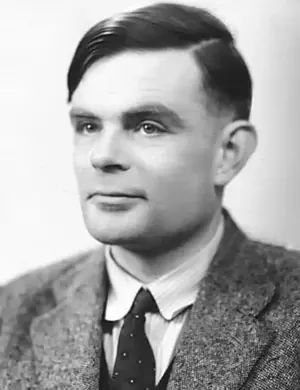
Alan Turing 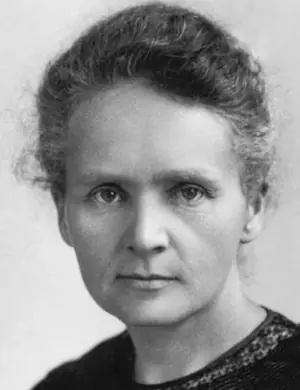
Marie Curie 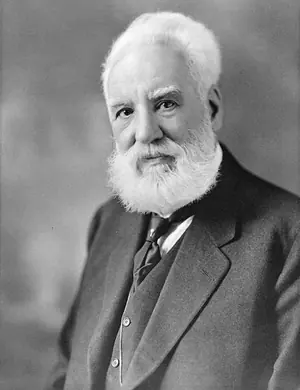
Alexander Graham Bell 
Albert Einstein 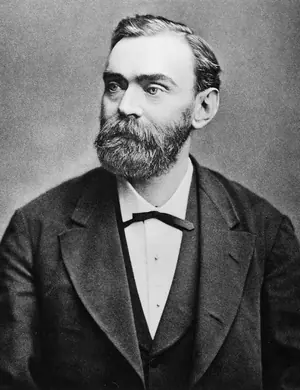
Alfred Nobel 
Helen Keller 
Galileo Galilei 
Katherine Johnson 
Astrid Lindgren 
Isaac Newton 
Charles Darwin 
Maria Montessori 
Archimedes 
Nikola Tesla 
Leonardo da Vinci














Universities, institutes and students from all over the world use Diaposi
 Inside Diaposi
One platform for interactive presentations and independent learning
Run a live interactive session
Upload your PowerPoint, PDF or Word file and bring it to life with polls, quizzes and Q&A. Participants join with a code, no account needed.
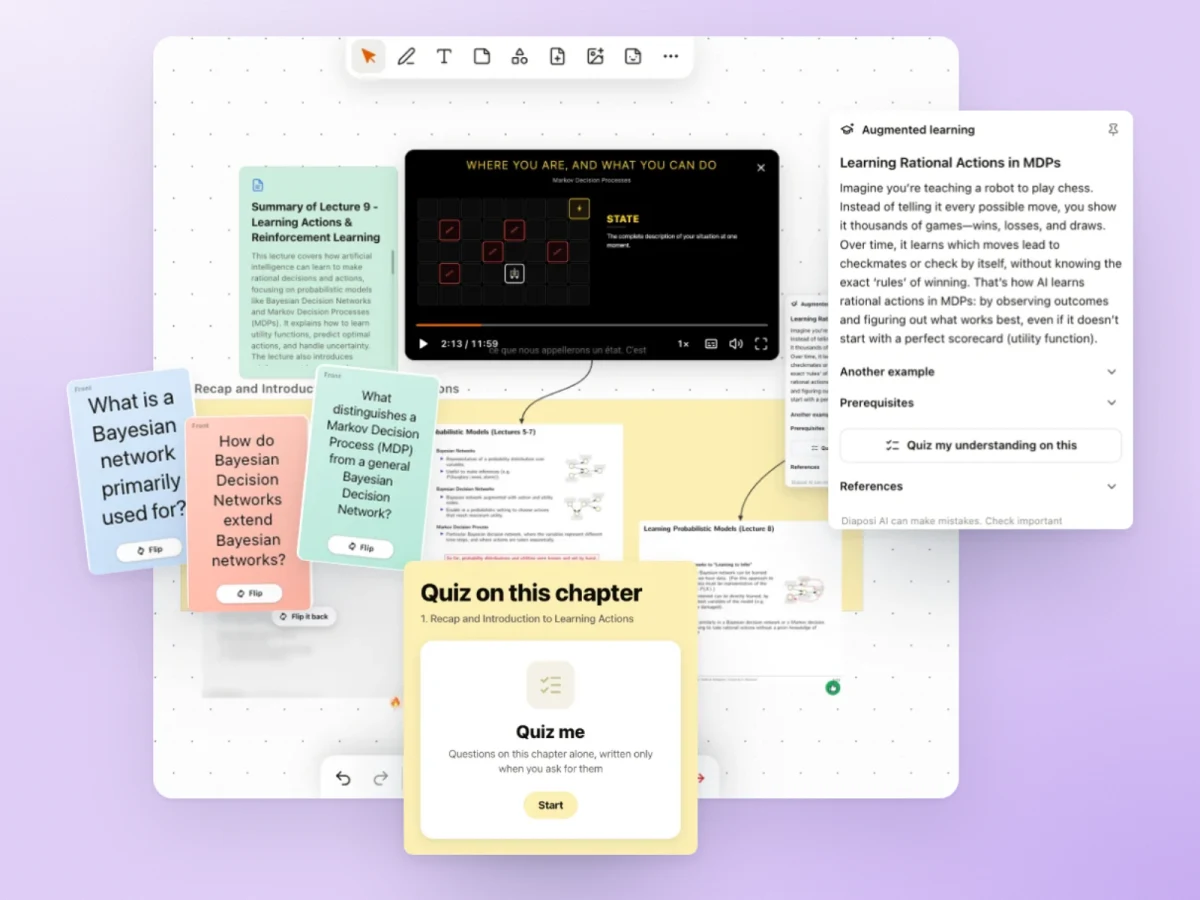
Study with augmented learning
Turn your documents into summaries, flashcards, quizzes and mock exams, then practice at your own pace.
Plan your study
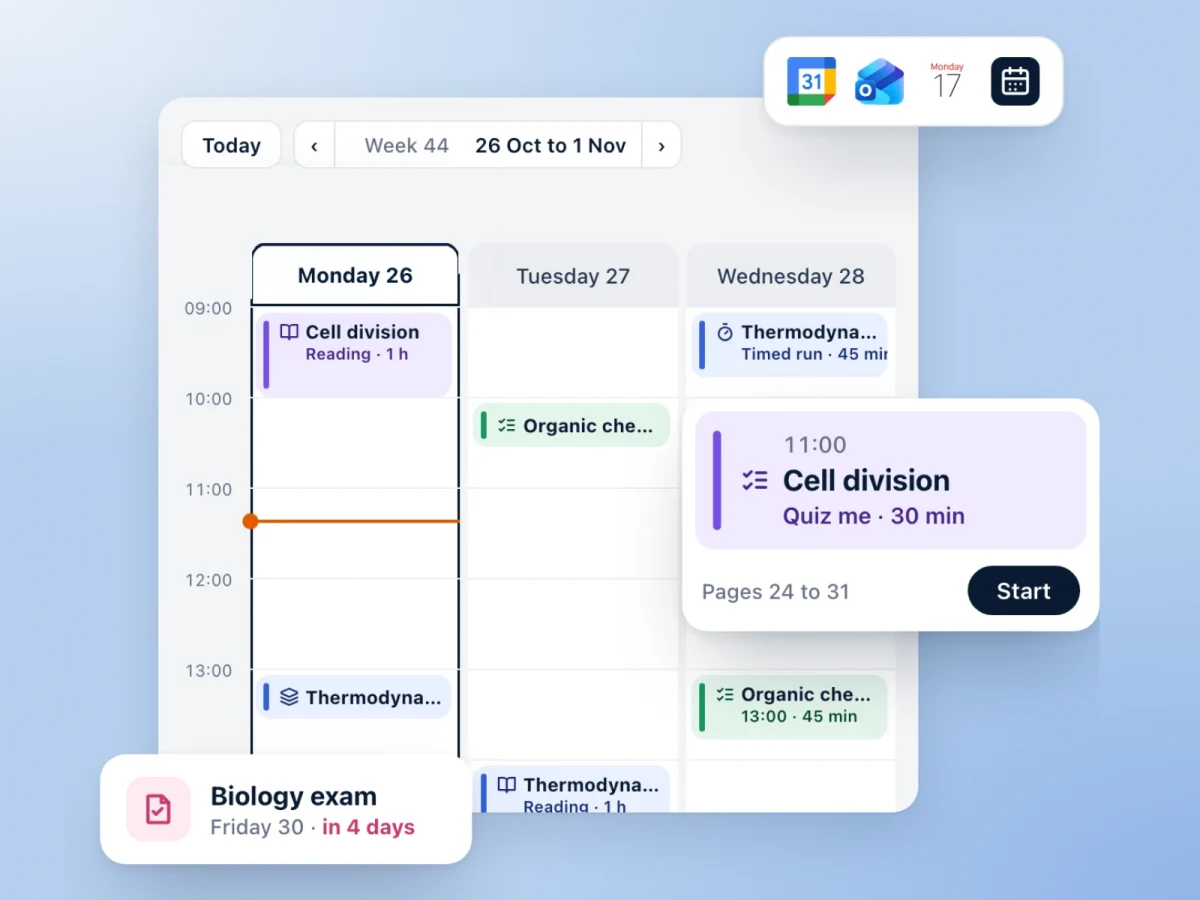
Put your sessions, revisions and exams in one calendar, and see each day what to study next.
Who Diaposi is for
- EducationLectures where the room answers, and keeps what was learned
- LearnersYour own material, explained, practised and planned
- TrainingCheck in, check what landed, check out
- WorkshopsEvery idea in the room, voted and drawn on the board
- MeetingsEvery question asked, every decision clear
- ConferencesA whole hall that joins in seconds and takes part
Easy way to enhance engagement with no building from scratch:use the document you already have
Types of question
What was the key technological breakthrough in 2012 that marked the return of deep learning?
Choose
Rate
Write
Numbers
Is this concept clear?
0 of 74 voted
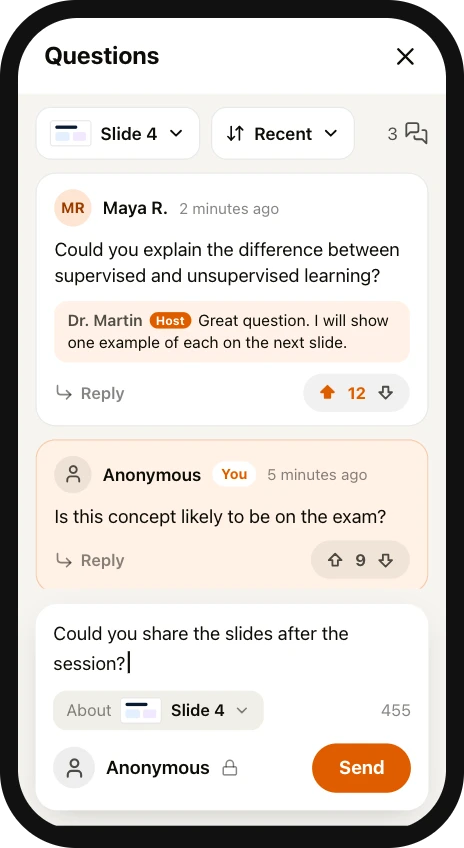
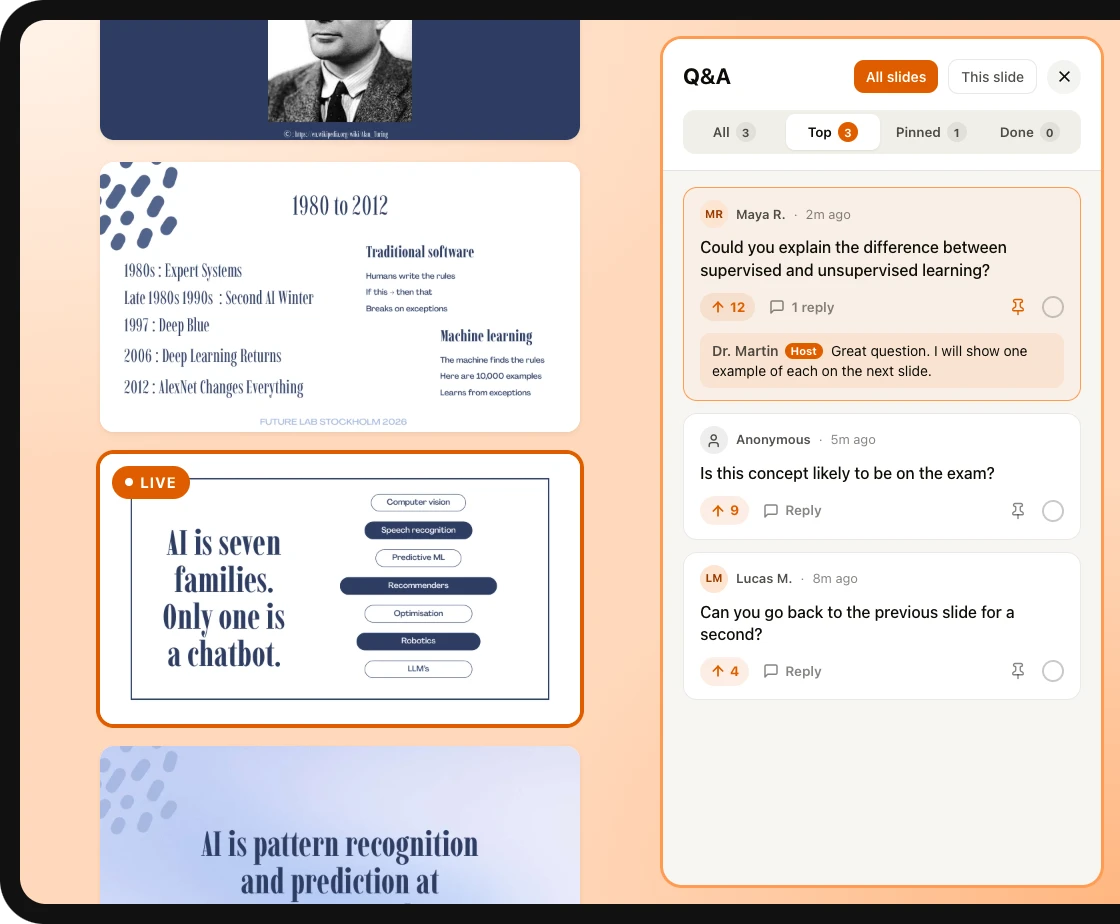

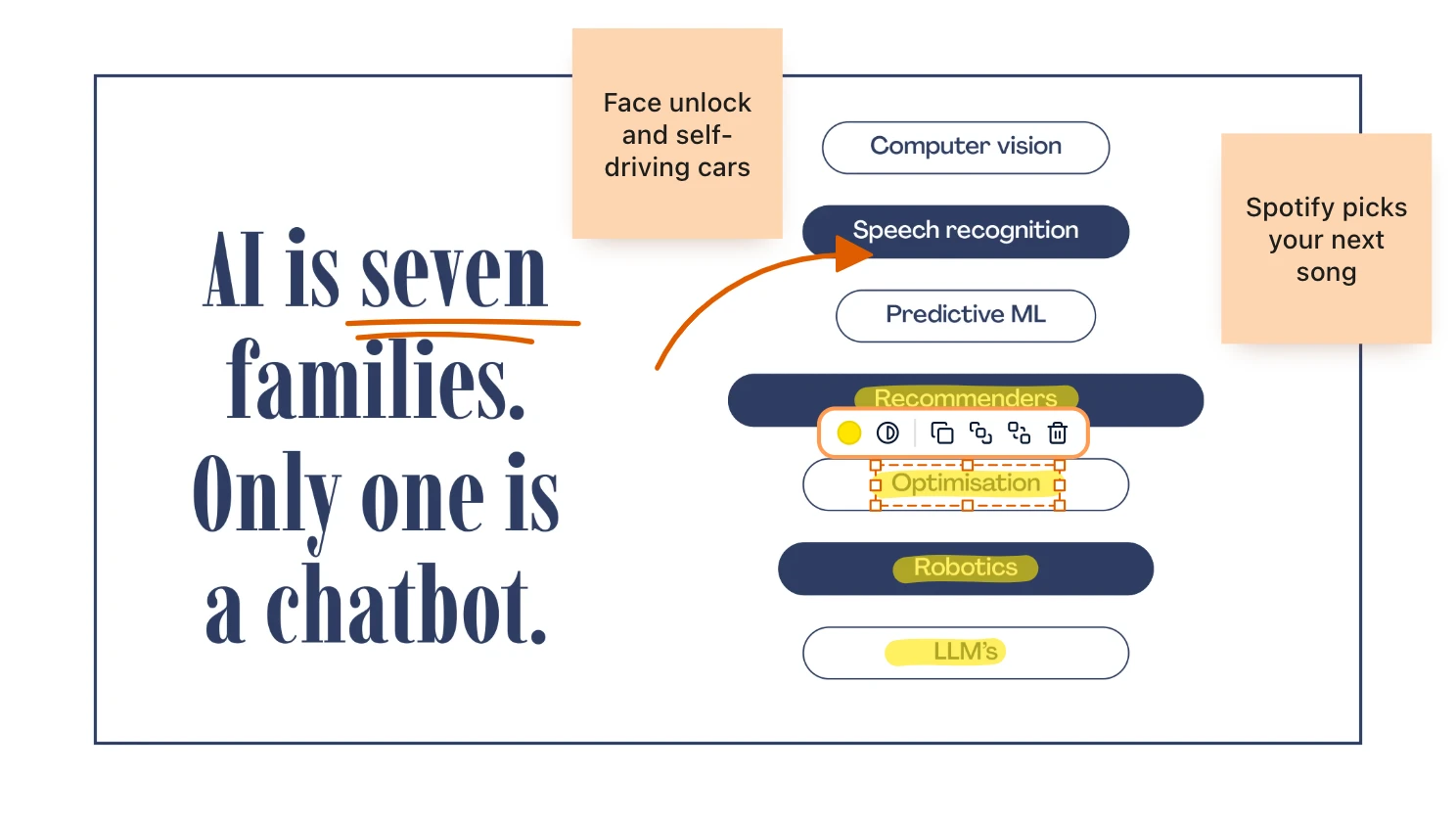
Augmented learning: your new way to follow, practice and learn on your own

Inside your learning space
- Document summaryThe key points of any file in one read
- Chapter detectionYour document split into its chapters
- FlashcardsCards made from your pages, to flip and review
- Mock examA full practice exam, marked out of 20
- Quick checkAbout ten questions to see what you already know
- Sticky notesPin a thought anywhere on your board
- Mind mapLink a chapter’s ideas on one map
- Kanban templateMove each topic from to do to done
- YouTube videosLearn from a video with its summary and questions
- SoundCloud musicYour study playlist, right on the board
- Patches and stickersEmojis, memes and GIFs to make it yours
- TimerStudy in focused rounds against the clock
- Notes and drawingWrite and draw on the slides as they go
- Plan my studyYour study week, planned up to each exam
- And moreLinks, shapes, files and every page you upload
Quantified and measurable sessions and learning
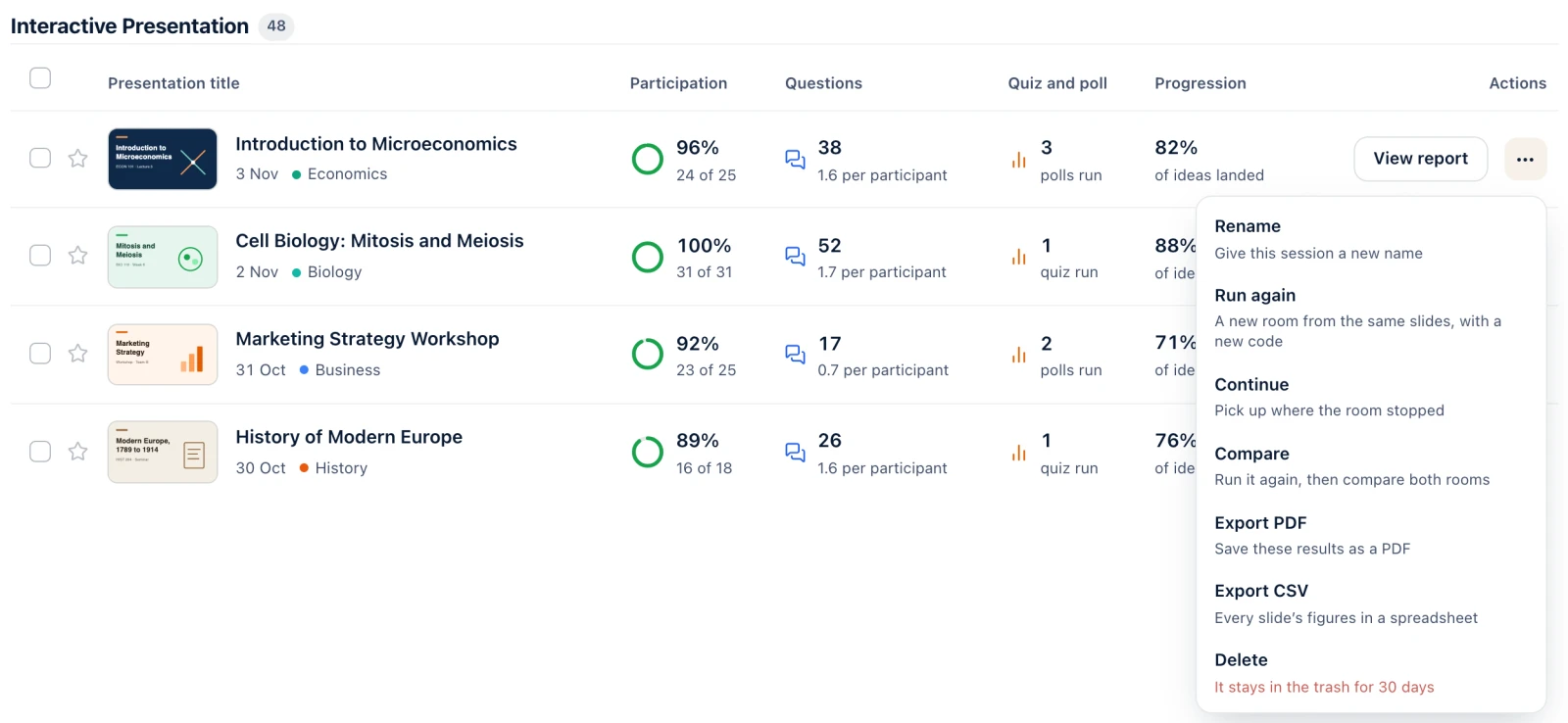
Every session, measured
Participation, questions, quizzes and polls for each session you host, with its report one click away.
What educators say
Seeing when my students' attention drops, and on which slide, is a blast. It helps me improve how I teach.
Enrique R.Educator
Letting students react with a like or a dislike on each slide is genius: a signal that helps educators and students adapt how they teach and learn.
Peter F.Educator
With Diaposi I could compare two lectures, the same presentation with two different study groups, from all the signals sent, attention and time on each slide, and adapt my teaching methods.
Erica L.Educator
Everything Diaposi does, in one place
Plan your study, week by week
Add your exams and your files. Diaposi builds your weeks and moves a session when something comes up.
Plan my studyFrequently asked questions
Is Diaposi free?
Yes, it is free to start, with no credit card. Hosting and learning each come with monthly credits.
Do participants need an account or an app?
No. They join from their browser with the QR code, the link or the 8-digit code, on a phone, a laptop or a tablet. Only the host has an account.
Does it work remotely, with Teams, Zoom or Google Meet?
Yes, alongside them: share your screen as usual, and people join from their browser with the code or the link, with nothing to install.
Where is my data held, and is it used to train AI?
On European infrastructure, with GDPR controls. Your files are private by default, and Diaposi's AI, which runs on Mistral, never trains on them.
What do I keep after a session?
A report of the whole session, slide by slide: the questions, the polls and the quizzes. Each participant keeps a learning space built from the slides.
Start with the document you already have.
Upload it, show the code and go live. Or drop it into a learning space and start studying.