
Learn before, during and after the session.Your own material, planned, explained, practised and kept.
Use responsible AI for your learning: learn efficiently and effectively with augmented learning, quizzes, flashcards, a mock exam and more.
What changes in your everyday learning

Make your learning productive, with your Diaposi learning space
Take notes on the slides, draw, mark what to review, turn a page into flashcards and more. Everything is saved in your learning space to revise later.
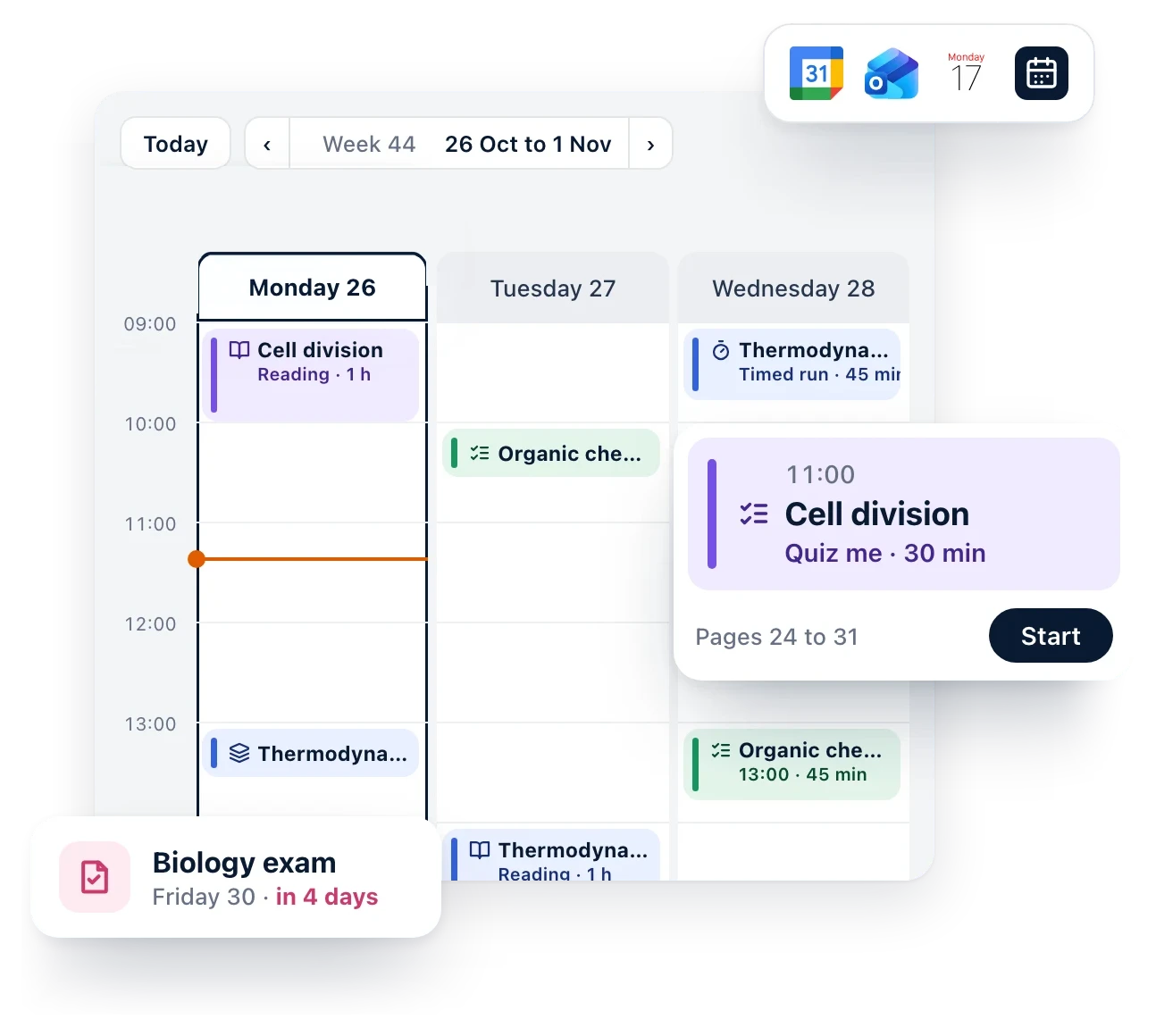
Plan your study around your availability
Choose what to learn and your deadline. Diaposi reads your material, cuts it into sessions and places them in the hours you have, around your classes and everything else in your week.
Practise every chapter, guided by your progress, with your AI agent
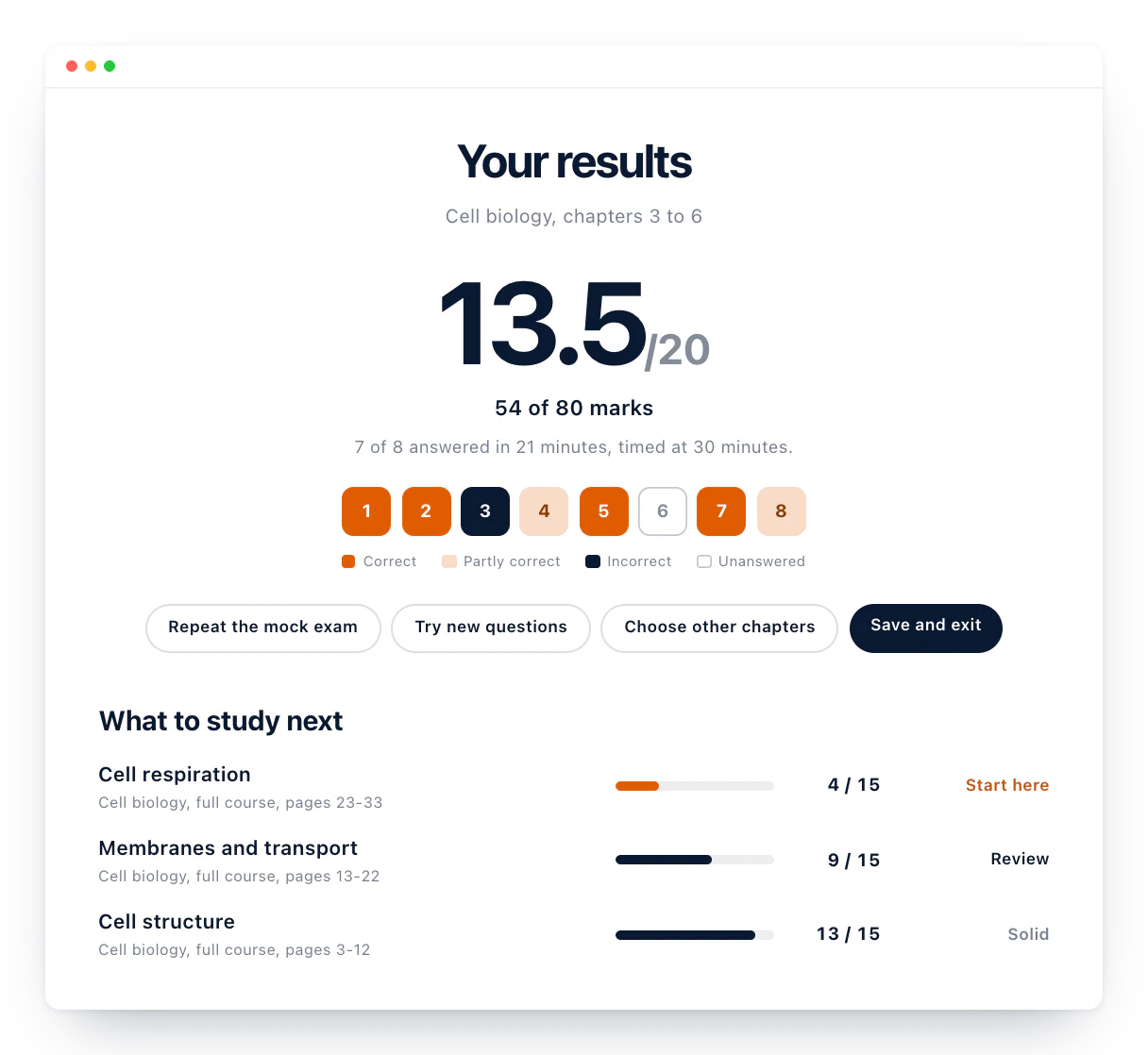
Sit a quiz or a mock exam on any chapter, marked out of 20. Your results show what to review next, weakest chapter first, so each session starts where you need it.
What your learning space holds
- Document summaryThe key points of any file in one read
- Chapter detectionYour document split into its chapters
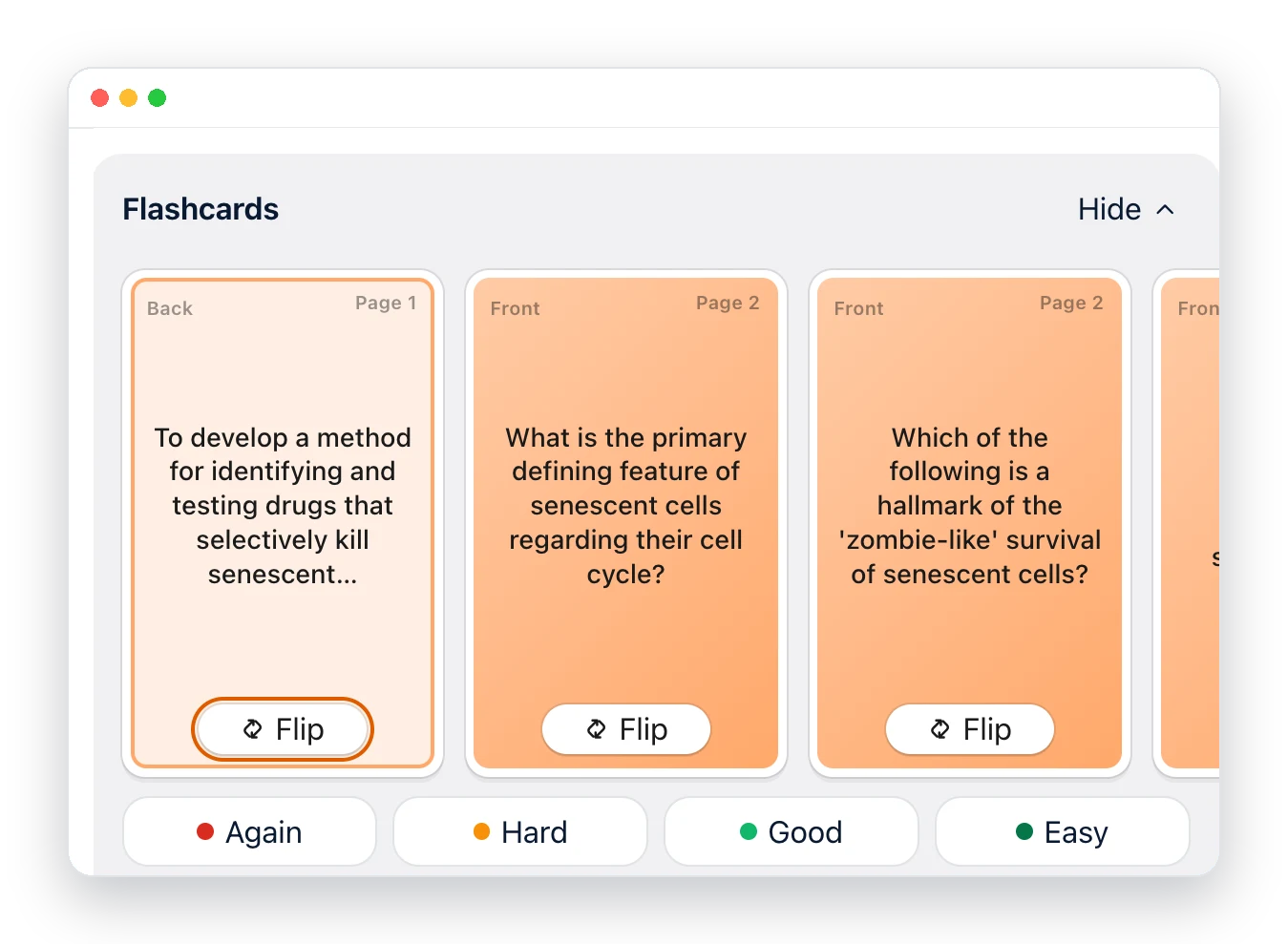
- FlashcardsCards made from your pages, to flip and review
- Mock examA full practice exam, marked out of 20
- Quick checkAbout ten questions to see what you already know
- Sticky notesPin a thought anywhere on your board
- Mind mapLink a chapter's ideas on one map
- Kanban templateMove each topic from to do to done
- YouTube videosA video with its summary and questions
- TimerStudy in focused rounds
- SoundCloud musicYour study playlist on the board
Keep all your documents organised in your learning space, ready to read again, rework and replan.
Folders
All materials
Search materialsRecently openedAll folders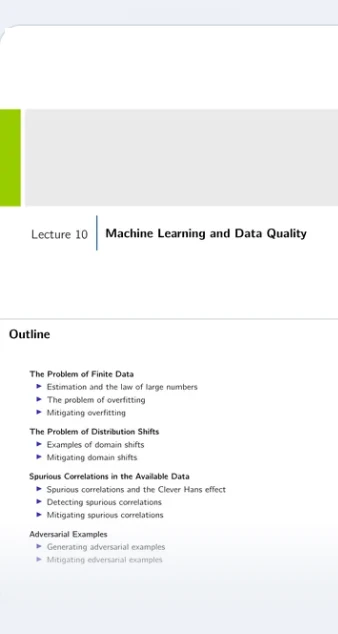
Machine learning and data quality
In Artificial intelligence
Added today
Plan this learningReview this learningOpen its board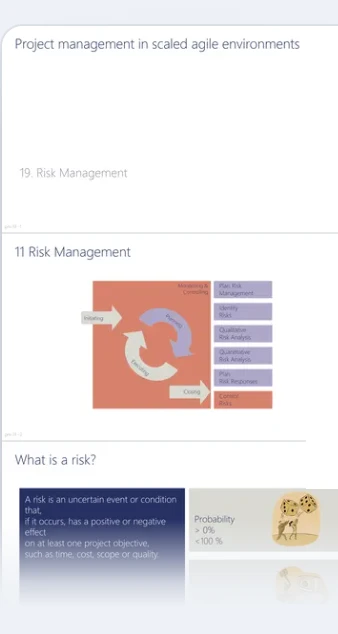
Risk management
Unfiled
Added yesterday
Plan this learningReview this learningOpen its board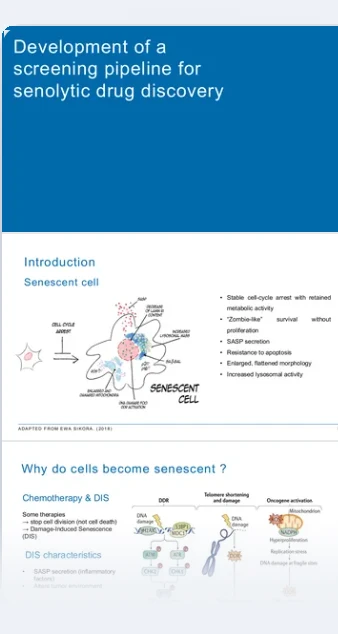
Screening for senolytic drugs
In Cell biology
Added 2 days ago
Open the planReview this learningOpen its boardReady or not? Practise to measure your progress all through your learning, with Diaposi's tools
Mock exam
Choose the chapters, the level and the timer. Sit it like the real one, then get your grade out of 20, every correction and the chapters to revise first.
Quizzes
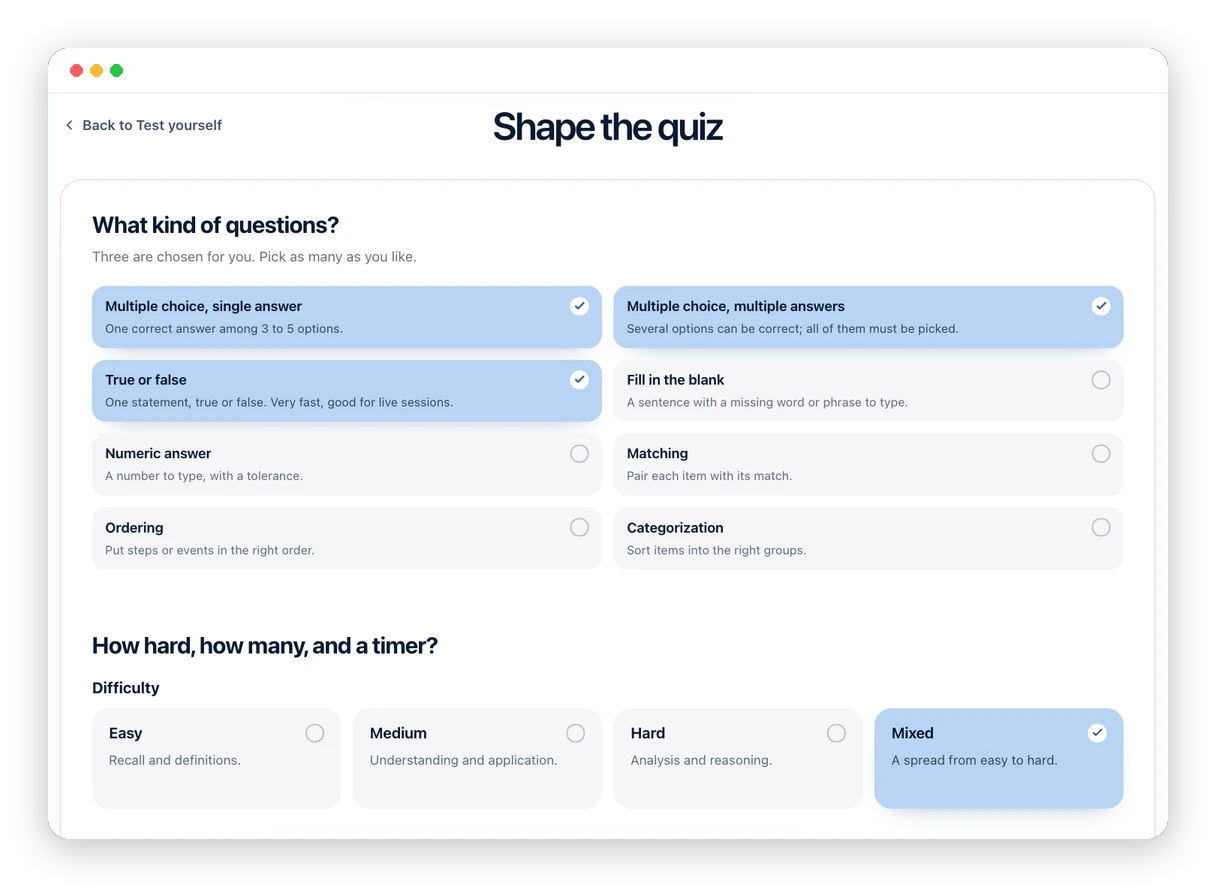
A quiz on the chapters you choose in less than a minute, taken at your own pace, with your score, each right answer and what to go back over.
Flashcards
Cards written from your own pages, to flip and review until what you learned stays.
Learn alone or with your friends, in one space, with everything you need.

Diaposi in other rooms
Frequently asked questions
Do I need an account?
Not to join a session: the code or the QR code and a name are enough. To keep a learning space, your notes and your results, you create a free account.
Does it work on my phone?
Yes. A phone, a tablet or a laptop with a browser, nothing to install.
Can I use it without a session?
Yes. Drop your own slides, notes or PDFs and your learning space is built from them, with or without a host.
Who sees my notes and my answers?
Your notes and your marks are private to you. In a session, the host sees the room's results, never your notes.
Is my material private?
Yes. Each document is private by default and used only to build your learning space. It is never used to train models.
Free to start.
Nothing to install, your material stays yours, and it is ready the moment the file is in.