
Plan your study around the week you already have
Choose what to learn and your deadline. Diaposi reads your material, cuts it into sessions and places them in the hours you have, around your classes and everything else in your week.
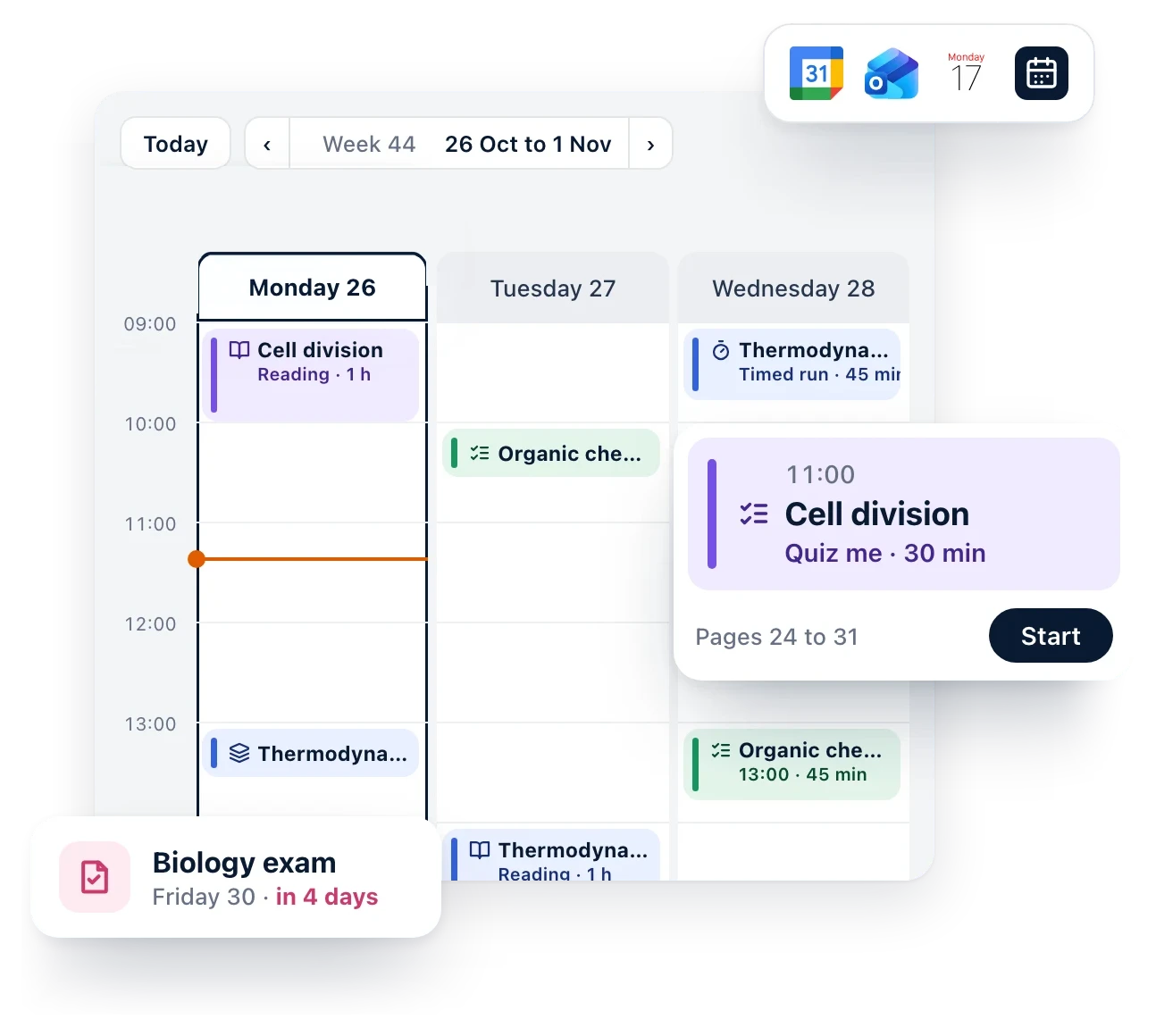
Diaposi helps you plan your learning time around your availability and your deadline
Set your availability
Mark the hours of the week when you are free to study and learn. Diaposi plans only inside them, and leaves your days off alone.
Import a syllabus
Add your deadlines and classes: Diaposi reads your syllabus once, finds your exams, assignments and class times, and you choose what to keep.
Import your calendar
Bring in Google Calendar, Outlook, Apple Calendar or your school’s Canvas, and see your classes and plans beside your study sessions.
Your document, cut into chapters and placed in your week
Upload your course and set your deadline. Diaposi reads it, splits it into chapters and adds each one to your calendar, in the hours you are free.
Know where you stand, and choose how much to plan
Every deadline shows the days left and whether you are on track. A quick check finds what you already know, and you choose how much to plan: every chapter, most of them, or only what matters most when time is short.
Make the calendar yours
Add your own events, like the gym, a job or a family dinner, and give each its colour, place, link, description and reminder. Your study sessions sit right beside them, in one calendar.
Frequently asked questions
How does Diaposi plan my learning?
Diaposi reads your documents, splits them into chapters and places study sessions in the hours you are free before your deadline: reading, Quiz me, flashcards and timed runs, in the order that makes sense.
What do I need to start?
Your files (PowerPoint, Word, Excel or PDF, up to 6 at once), your deadline and the hours of the week when you are free to study. You can also import your syllabus to bring in your deadlines and classes.
Can I bring in my own calendar?
Yes. Import Google Calendar, Outlook, Apple Calendar, Canvas or another calendar by its link. Your classes and plans show beside your study sessions, read only, and your link stays private.
What if I have little time left?
Choose how much to plan: Complete for every chapter, Standard for most of them, or Cram for only the chapters that matter most and that you know least. Nothing is deleted, and you can switch back any time.
Can I add my own events?
Yes. Add the gym, a job or a family dinner straight in the calendar, with its colour, place, link, description and reminder, so everything in your week is in one place.