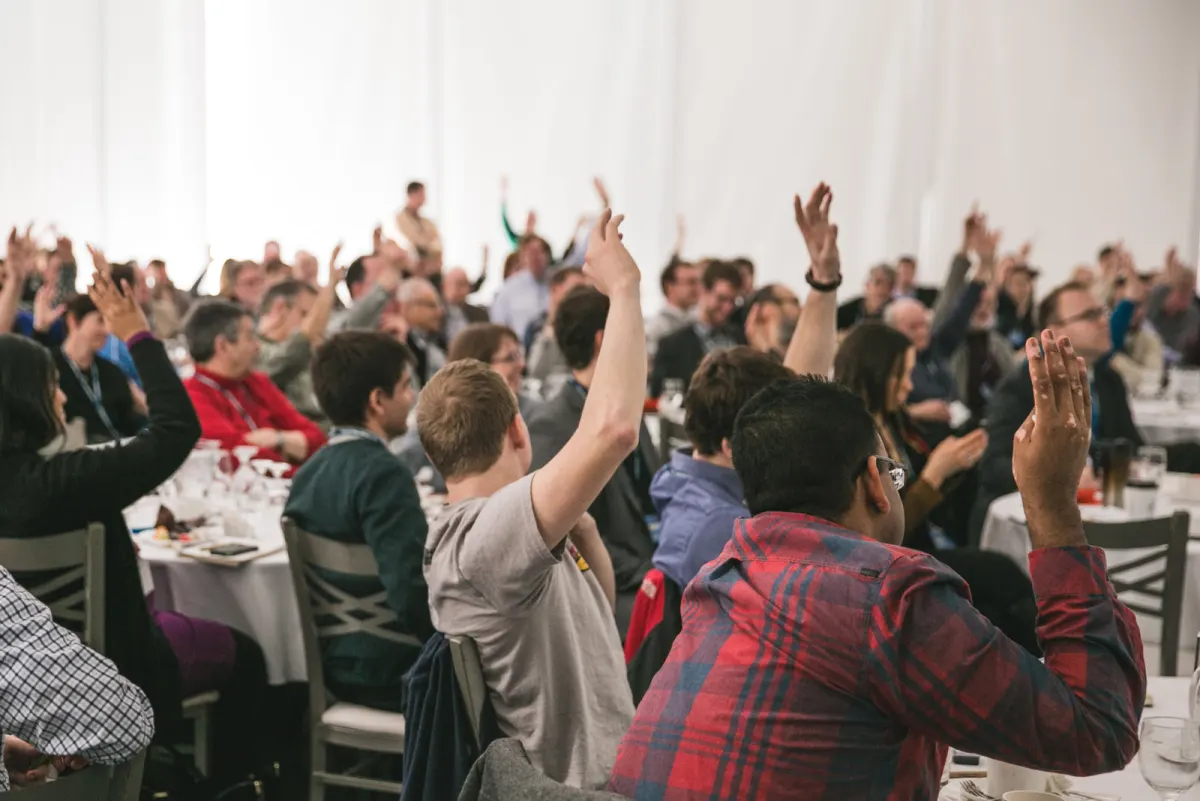

A training session works when people use what they are shown, not when they sit through it. Open with a poll on what the room already knows, replace slides of facts with scenario questions, and end with a short quiz on your own material. Diaposi Session runs all three on the deck you already train with.
What is the ten-minute rule?
Never go more than about ten minutes without asking the room to do something. It is a rule of thumb, not a law, and it works because people in a training session came to be able to do something, not to have heard about it. Each activity is a small rehearsal of what they will do back at work.
Which activities fit a training session?
- Open with a poll on what people already know or have tried. You learn where to start.
- Use scenarios instead of facts. “A customer says this. What do you do?” with three options to vote on.
- Take questions anonymously. People will not admit in front of colleagues that they are lost.
- End with a short quiz on your own material, and go through the answers together.
What changes online or in a hybrid room?
Less than you would think, as long as everyone answers through the same channel. If the room raises hands while remote participants type, you have two sessions. Put every answer on a phone or a laptop and the two groups become one. Online, shorten the stretches between activities, because attention is harder to hold.
The same methods are described for lectures in how to make a lecture interactive, and for polls in how to use live polls in a presentation.
How Diaposi Session helps
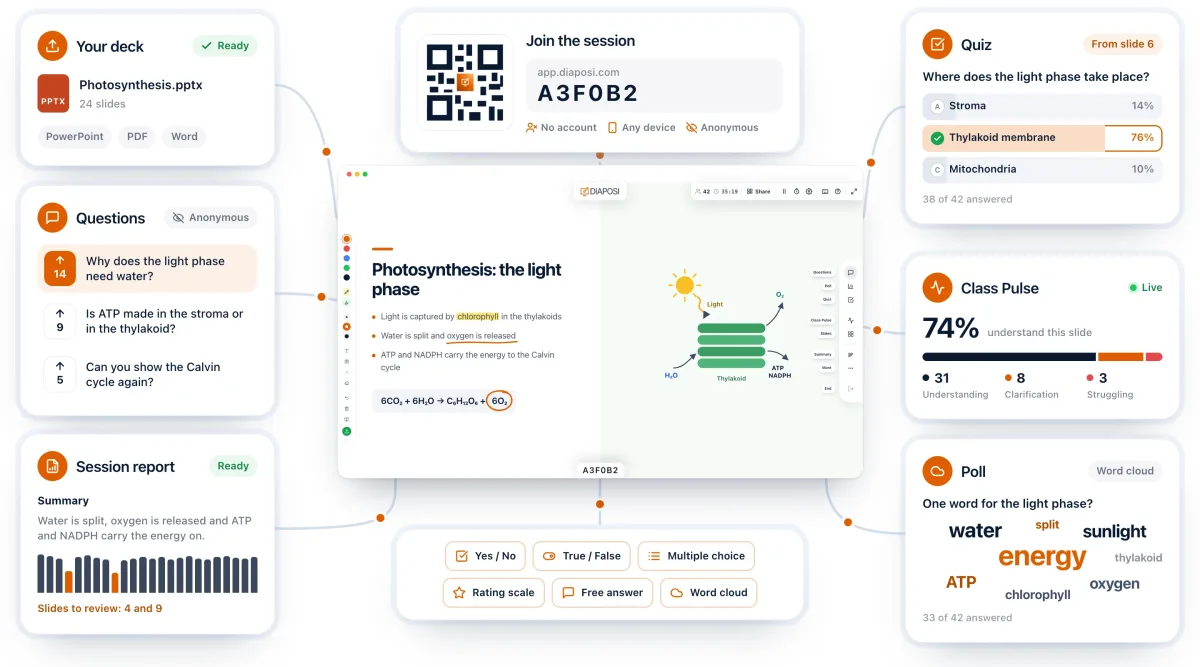
Diaposi Session runs these on the deck you already train with: polls for the opening and the scenarios, anonymous questions throughout, and a quiz built from your own slides to close. Everyone joins from a QR code or a short code, with no account. Afterwards the report shows, slide by slide, where the group followed and where it did not.
Diaposi Session is part of Diaposi, the EdTech platform for interactive and measurable learning. Discover Diaposi Session
Frequently asked questions
How long should a training activity take?
- Two to five minutes for a poll or a scenario question, including the discussion of the result. Longer exercises belong in a workshop slot of their own.
How do I know the training worked?
- Ask the same short quiz at the start and at the end. The difference between the two is a first measure of what the session added.
Is Diaposi free?
- Yes. Diaposi is free, and there is no paid plan today.