In a live session
Join with the QR code, with no app and no account, and take notes and draw on the slide being presented. What the host draws appears on your slide too; hide it when you want the slide clean.
Join a session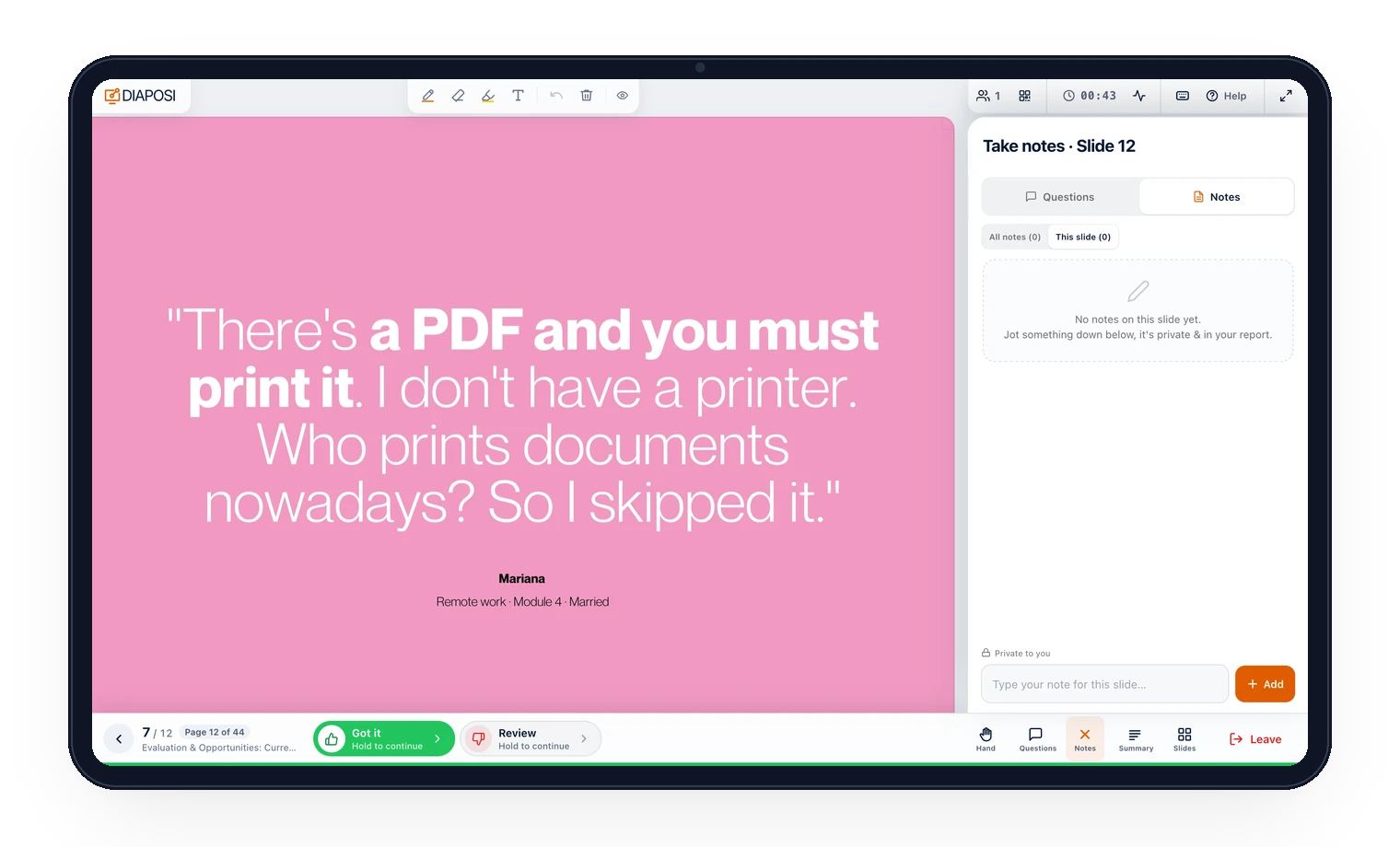

Products
Diaposi SessionDiaposi Augmented LearningDiaposi Live examDiaposi Live quizDiaposi Live WhiteboardLearning measured and quantifiedThree ways to learn
Join a sessionFollow your presenterLearn on your ownLive notes and drawing let you write on the slides as they are presented: type a private note, or draw, highlight and write straight on the slide, from a phone, a tablet or a laptop. Everything stays private and comes back with the slide. They are part of Diaposi, the free EdTech platform for interactive and measurable learning, in a live session or on your own document.

The tools sit on the slide in front of you, on a phone, a tablet or a laptop, so you can work on it the way you would on paper.
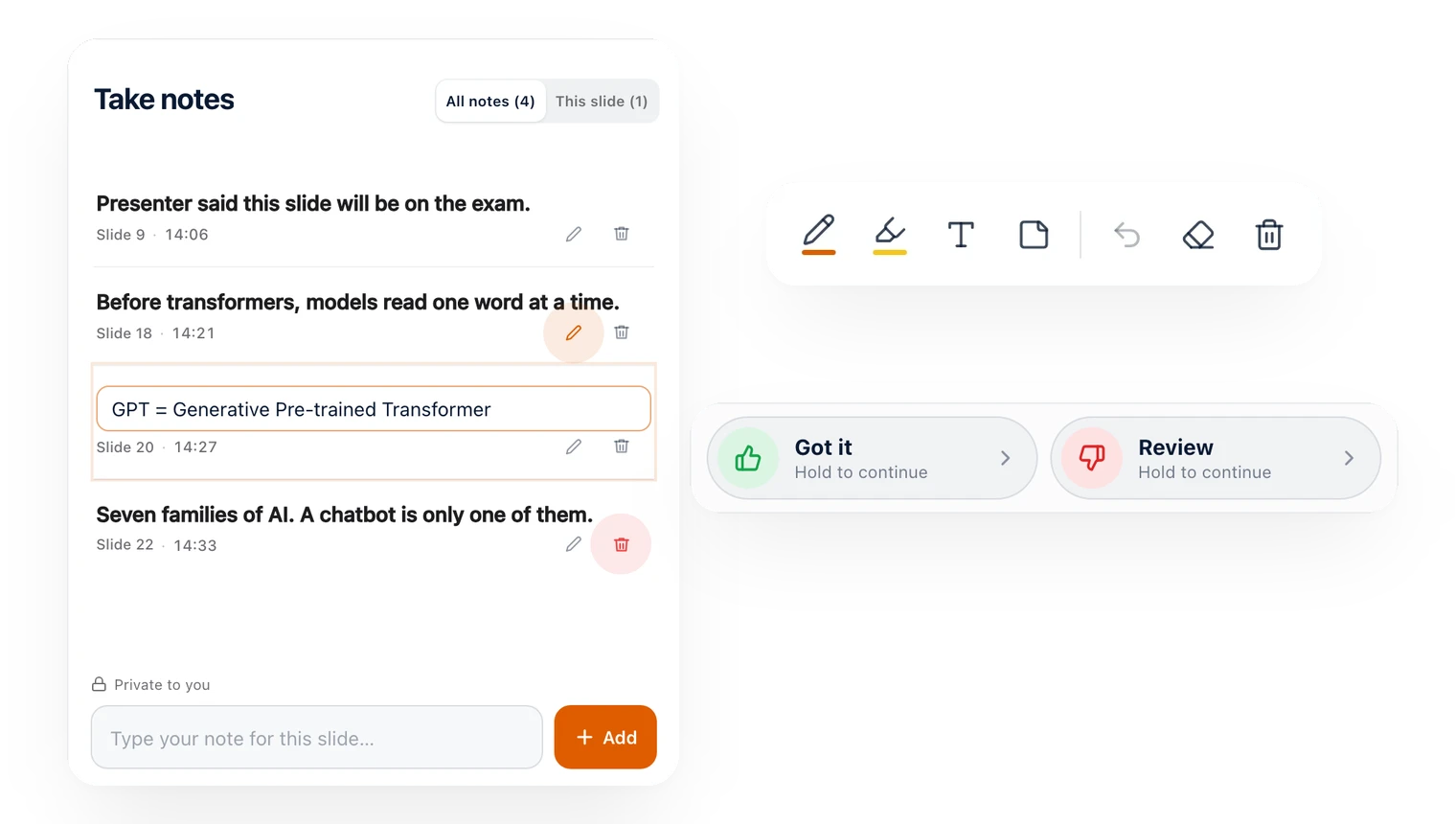
In several colours and three thicknesses, to circle, underline and write by hand.
Run it over the words that matter, the way you would on a printout.
Type straight on the slide, then move, edit or delete it later.
Type a note for the slide you are on. Each one keeps its slide and its time, ready to edit or delete.
Undo the last stroke, rub out a part, or clear all your drawings and start again.
Your ink stays sharp when you zoom in, and comes back with the slide whenever you return to it.
The same notes and drawing work wherever you follow a deck: on the slides a presenter is showing right now, or on a file you study on your own.
Join with the QR code, with no app and no account, and take notes and draw on the slide being presented. What the host draws appears on your slide too; hide it when you want the slide clean.
Join a sessionUpload the PowerPoint, PDF or Word file and follow it page by page on your own screen, with notes and drawing on every page, and a blank page after any page for your own working.
Follow your presenter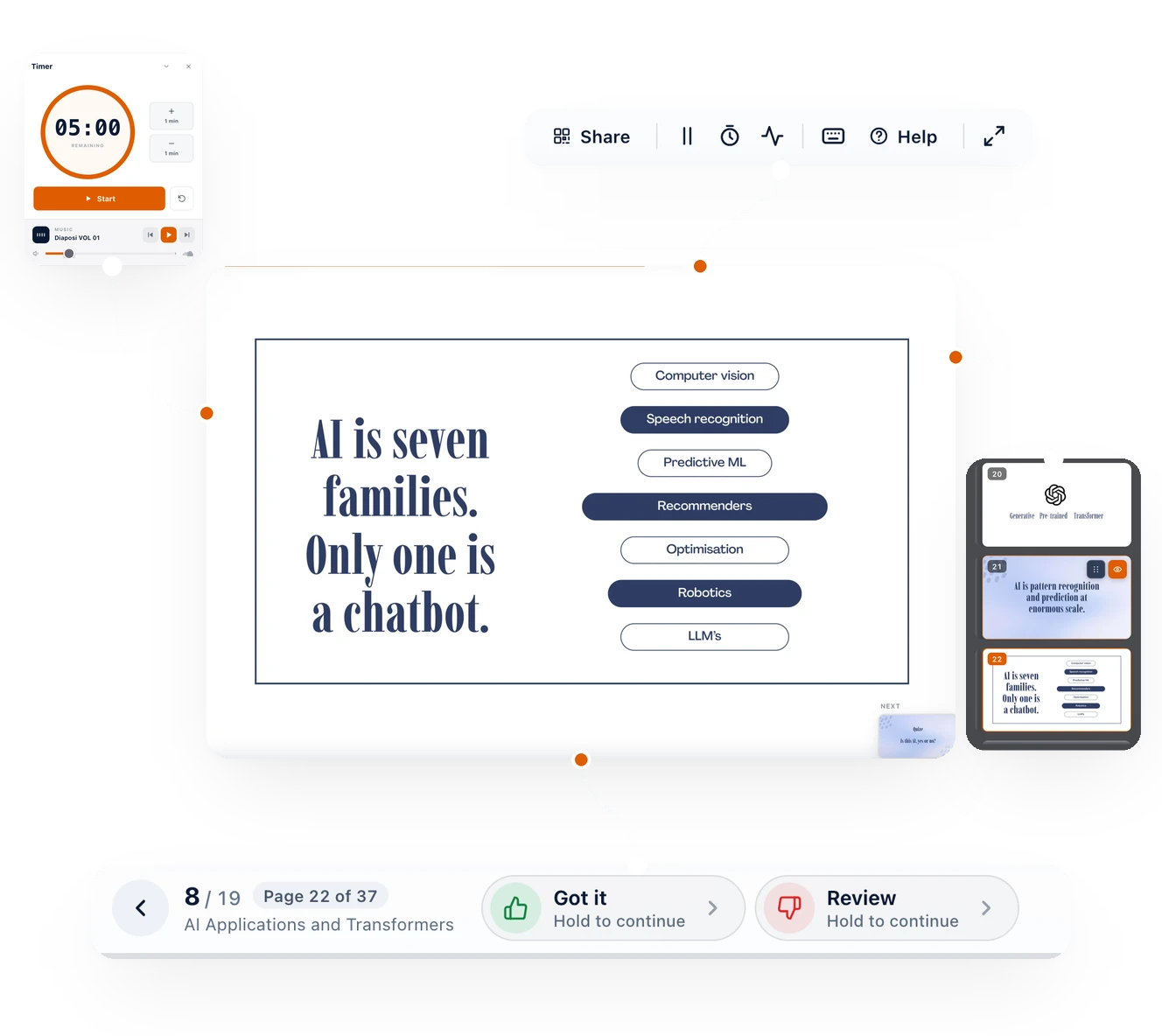
What you write and draw is yours. It stays private, and it is there again whenever you come back to the slide.
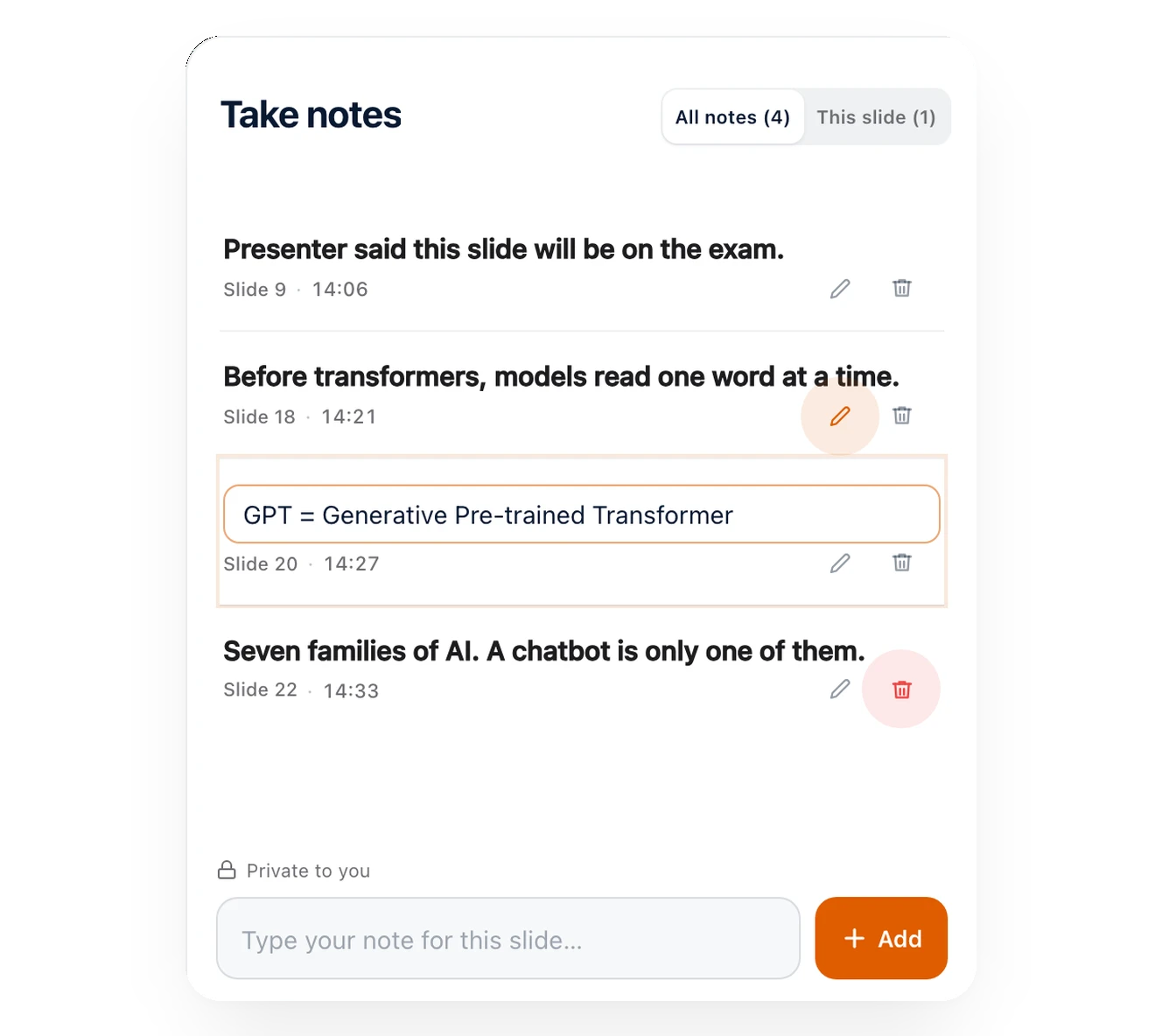
What you write does not stay on the screen. It prints with your report, waits in your learning journeys, and shows you, and your host, where the work happened.
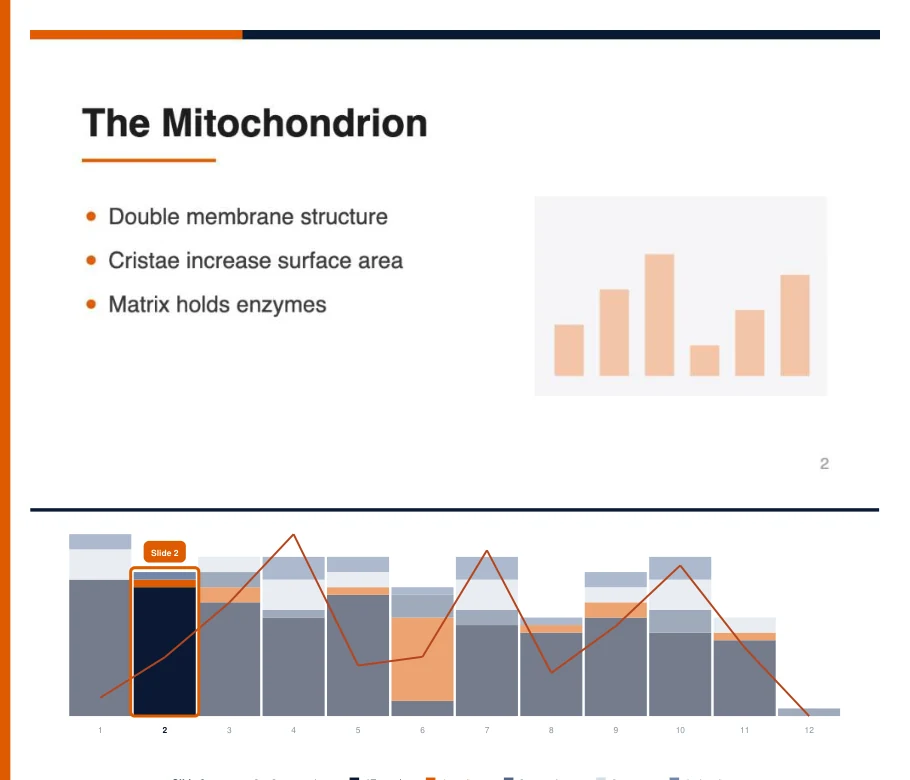
Download your session report as a PDF and every note you typed is printed beside its slide, with its time, and the slides you drew on are marked.

With a free account, the deck is filed in your learning journeys with your notes, your drawings and your marks, ready to reopen from your dashboard.

Each note and drawing is also a signal. Your own report shows, page by page, where you worked, and the host sees how many notes and drawings each slide got, never what they say.
Notes and drawing are part of Diaposi Augmented Learning, the way to study any deck on your own, during a lecture or long after it.
Upload your slides, notes and PDFs and study them at your own pace: notes and drawing on every page, any page explained another way, quizzes, review cards and mock exams, with your progress measured in one place.
Discover Augmented LearningIn a lecture that is not run on Diaposi? Upload the deck being presented and follow it page by page on your own screen, with your notes, your drawing, Got it and Review.
Follow your presenterWhat people ask before they write on their first slide.
Drop the slides your presenter is showing, or type the code on their screen to join their session.
















For a course, a department or a whole university. Diaposi makes every live session interactive and measurable, with the slides your staff already have. Tell us what you have in mind and we will get back to you.
Universities across Europe.