
Live polls and word clouds, right on your slides.
Live polls in Diaposi let you ask your audience a question in the middle of a presentation and watch every answer arrive from their phones, without a name, under the slide on screen. Six kinds are ready: Yes / No, true or false, multiple choice, rating, free answer and word cloud. Live polls are part of Diaposi, the free EdTech platform for interactive and measurable learning.
- Six kinds of poll
- Results under your slide
- No app to install
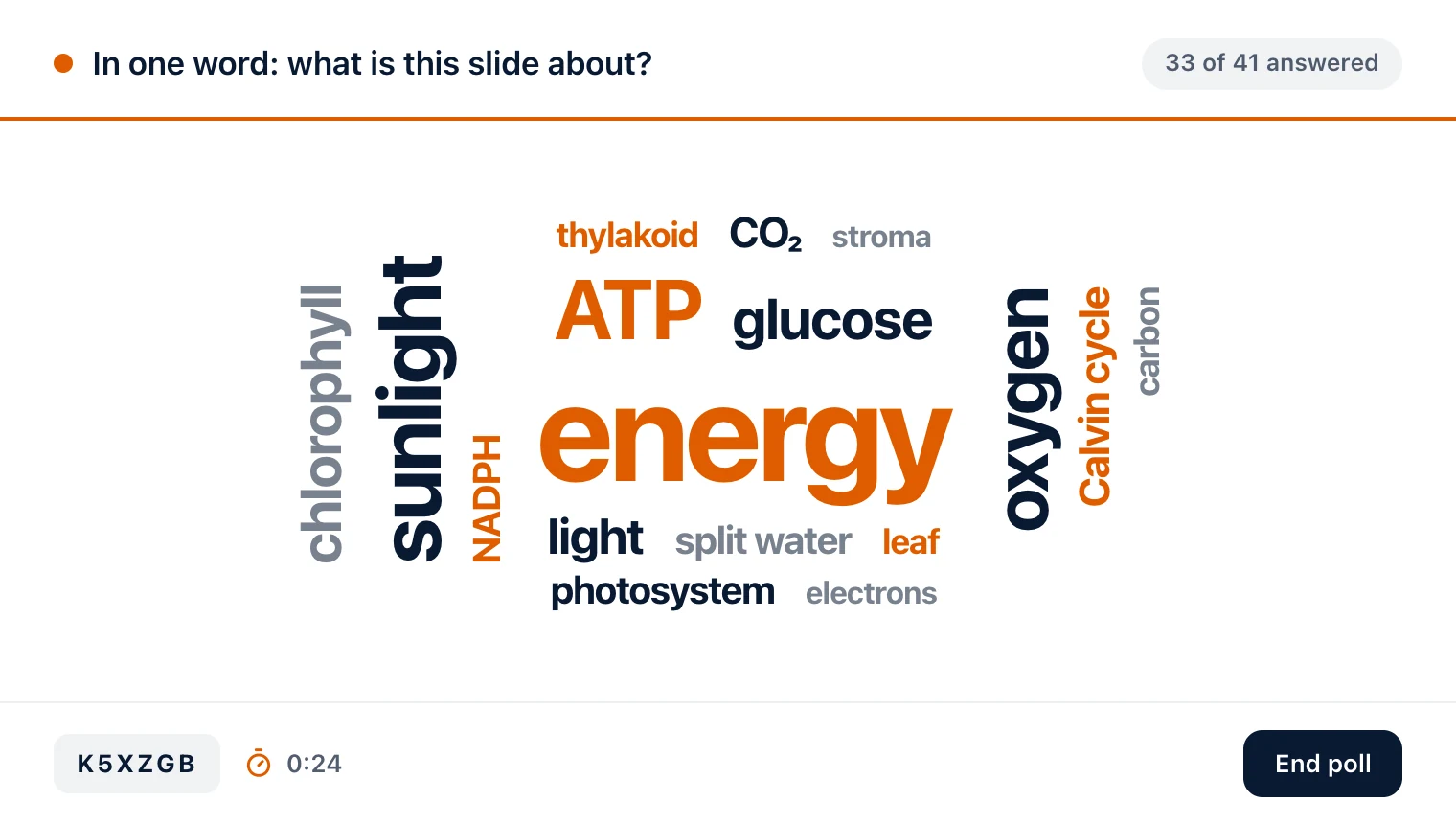
Six kinds of poll, for every question you want to ask
Launch one from the slide you are on, and Diaposi can draft the question from that slide. Answers arrive from every phone in the room, without a name, and show under your slide as they come in.
Yes / No
A quick check in one tap. The room's answer shows as one split bar, so you see the balance at a glance.
True / False
Put a statement to the room and see at once whether it holds. Diaposi can draft the statement from the slide on screen.
Multiple choice
Two options or more, written by you or drafted by Diaposi from your slide. There is no right answer to mark: a poll asks what the room thinks, a quiz is what scores it.
Rating scale
From 1 to 5, to see how confident, convinced or ready the room is, with the average and how the votes spread.
Free answer
Participants type a reply in a sentence or two, and you read them as they come in, on the slide that asked.
Word cloud
One or two words each, counted as they arrive: the words most of the room uses grow the largest.
A poll in three clicks, from any slide
Try it for free with Diaposi Session- Open Poll in the railIt sits down the right of your screen with the other tools, beside the slide you are on.
- Pick one of the six kindsYes / No, True / False, Multiple choice, Rating scale, Free answer or Word cloud, in one bar along the bottom.
- Launch itType the question or keep the one Diaposi drafts from your slide. Answers start arriving from the room's phones at once.

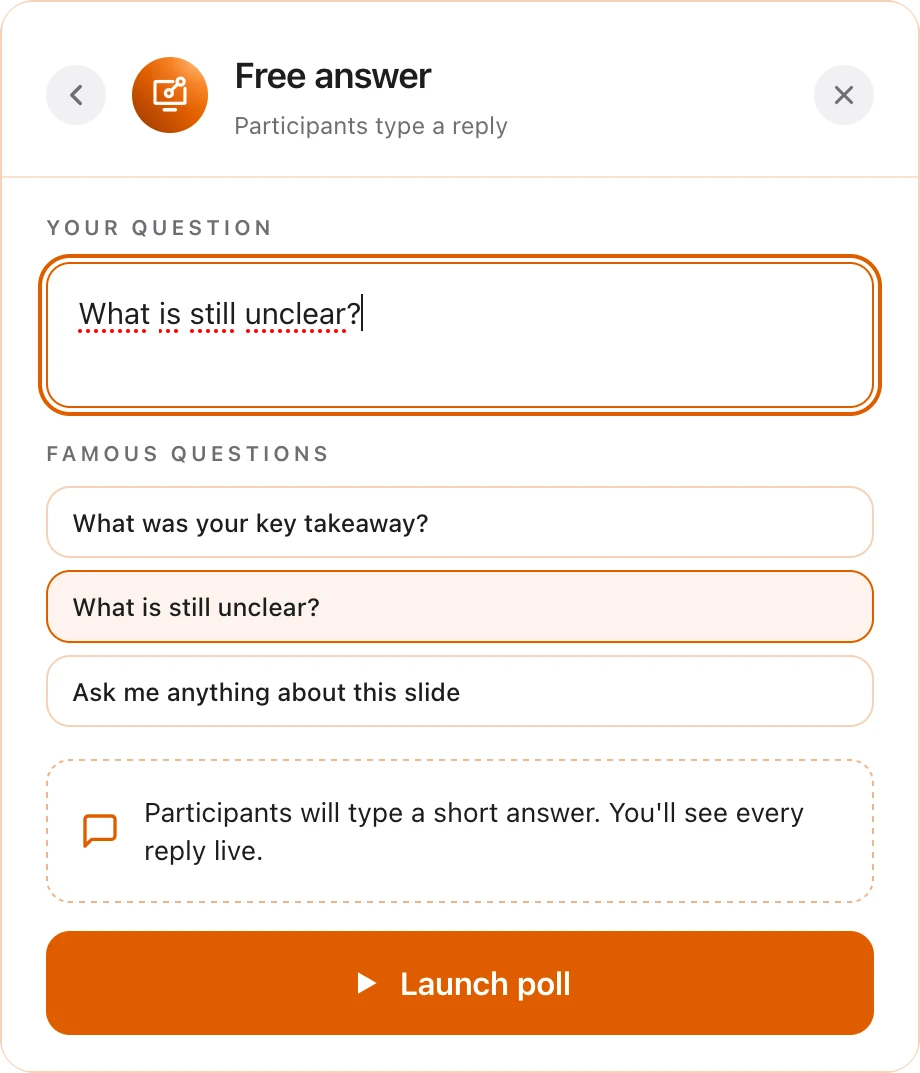
Polls that never interrupt your flow
Everything happens on the slide you are presenting, in a few taps, so the room stays with you from the question to the answers.
- Questions ready to goPick one of the ready-made questions, or type your own in a line, then launch.
- Your slide stays on screenThe poll opens in a bar under the slide, never over it, so nobody loses the thread.
- A timer if you want oneGive the room 30 seconds, one, two or five minutes, or leave the poll open.
- Results live, then back to the talkWatch how many have answered, switch between the cloud and the replies, and close the poll to carry on.

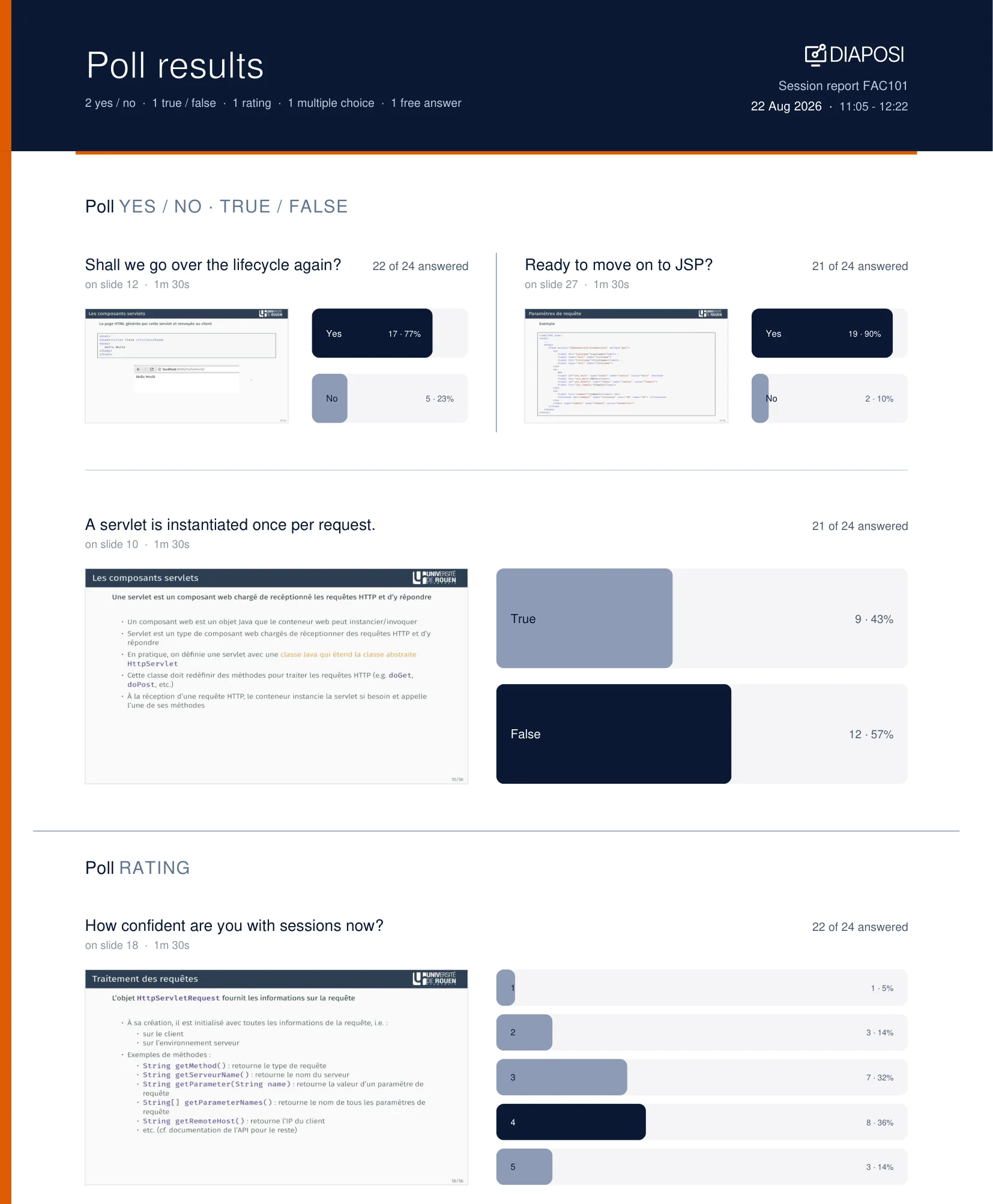
Every poll is kept, slide by slide
When the session ends, every answer the room gave is still there, beside the slide that asked for it, ready to look back on and to share.
- Each poll beside its slideThe report shows every poll with the slide it was launched on, how many answered, how long it ran, and each answer's count and share, kind by kind.
- In your analyticsEvery session sits in your analytics with its participation, its questions and its quiz results, ready to open again.
- Exported to PDF or ExcelDownload the whole report as a PDF to share, or as a CSV that opens straight in Excel or Google Sheets.
Live polls, answered.
What people ask before their first live poll.
Host your interactive presentation with Diaposi
Upload the PowerPoint, PDF or Word file you already have and run polls, anonymous questions and quizzes from one cockpit, with a report when you end. Free to start, with no account.

Niels Bohr 
Louisa May Alcott 
Johann Sebastian Bach 
Helen Keller 
Jules Verne 
Caroline Herschel 
W. E. B. Du Bois 
Mary Shelley 
Max Planck 
Charlotte Brontë 
Leo Tolstoy 
Maria Gaetana Agnesi 
Mark Twain 
Hans Christian Andersen 
Erwin Schrödinger 
Booker T. Washington
Bring Diaposi to your institution
For a course, a department or a whole university. Diaposi makes every live session interactive and measurable, with the slides your staff already have. Tell us what you have in mind and we will get back to you.
- Every session measured: attention, participation and every answer, slide by slide.
- Works with the education ecosystem.
- No training on API dataAPI data is not used to train models.
- European infrastructureEncrypted across multiple EU zones.
- GDPR controlsEuropean data rights and controls.
- Mistral complianceSOC 2 Type II · ISO 27001/27701
Universities across Europe.