
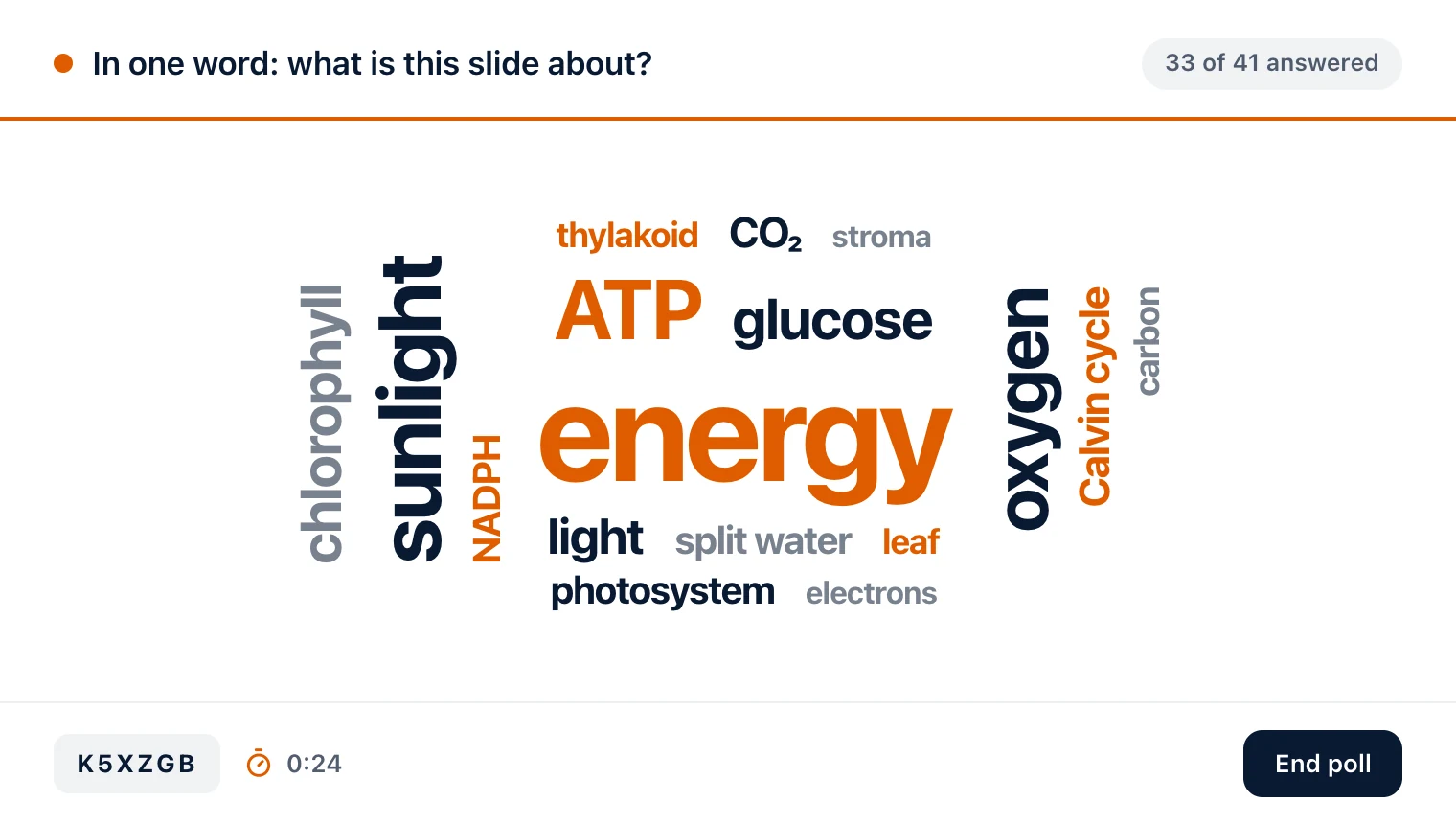
Five kinds, launched in a moment: true or false, multiple choice, a rating scale, an open answer or a live word cloud. Answers arrive from every phone in the room as they come in, and every poll you launch stays in the session's history.

Products
Diaposi SessionDiaposi Augmented LearningDiaposi Live examDiaposi Live quizDiaposi Live WhiteboardLearning measured and quantifiedThree ways to learn
Join a sessionFollow your presenterLearn on your ownBy uploading, you accept Diaposi’s and .















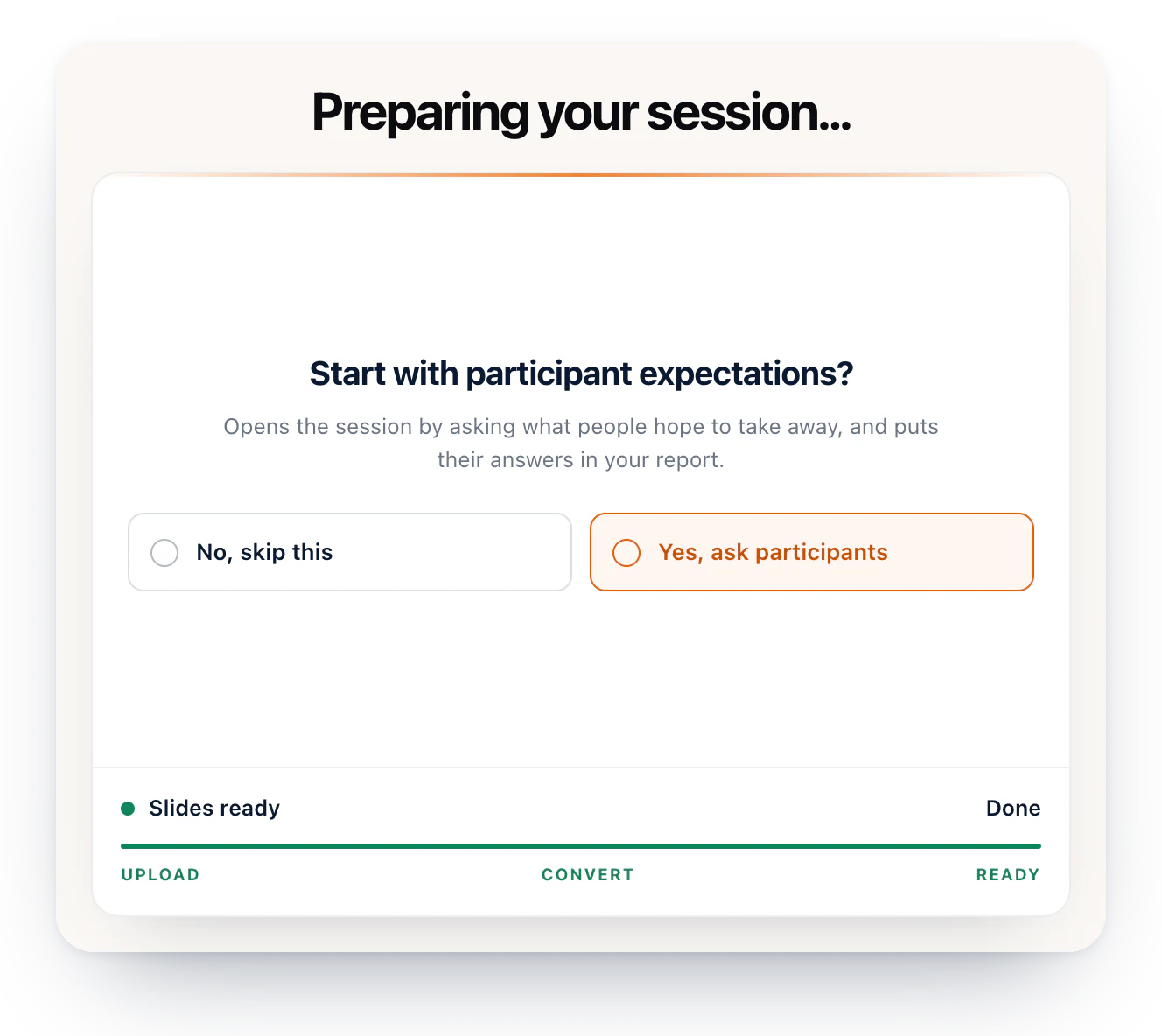
The deck you already present from, up to 50 MB, shown as it is. Nothing to rebuild, nothing to convert by hand and nothing to install.
Everyone joins from their own phone, tablet or laptop, in the browser. No app to install, no account to create and no name to give.
Diaposi prepares polls and quizzes from your own slides. You read every one before it reaches the room, and can rewrite it, remove it or write your own.
Run polls, questions and quizzes from the cockpit while everyone follows your slides on their own screen. When you end the session, the report is ready, slide by slide.
Five kinds, launched in a moment: true or false, multiple choice, a rating scale, an open answer or a live word cloud. Answers arrive from every phone in the room as they come in, and every poll you launch stays in the session's history.
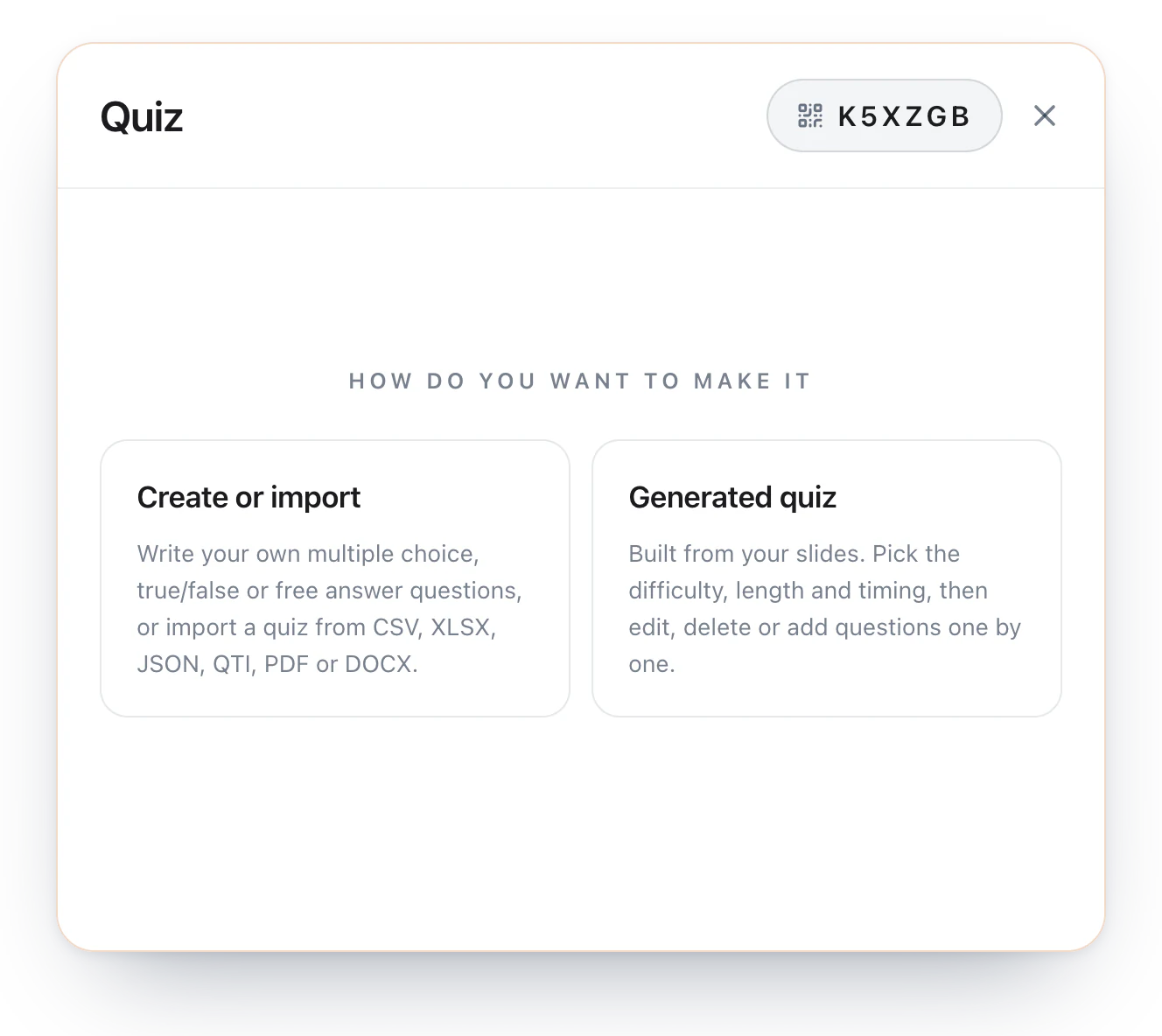
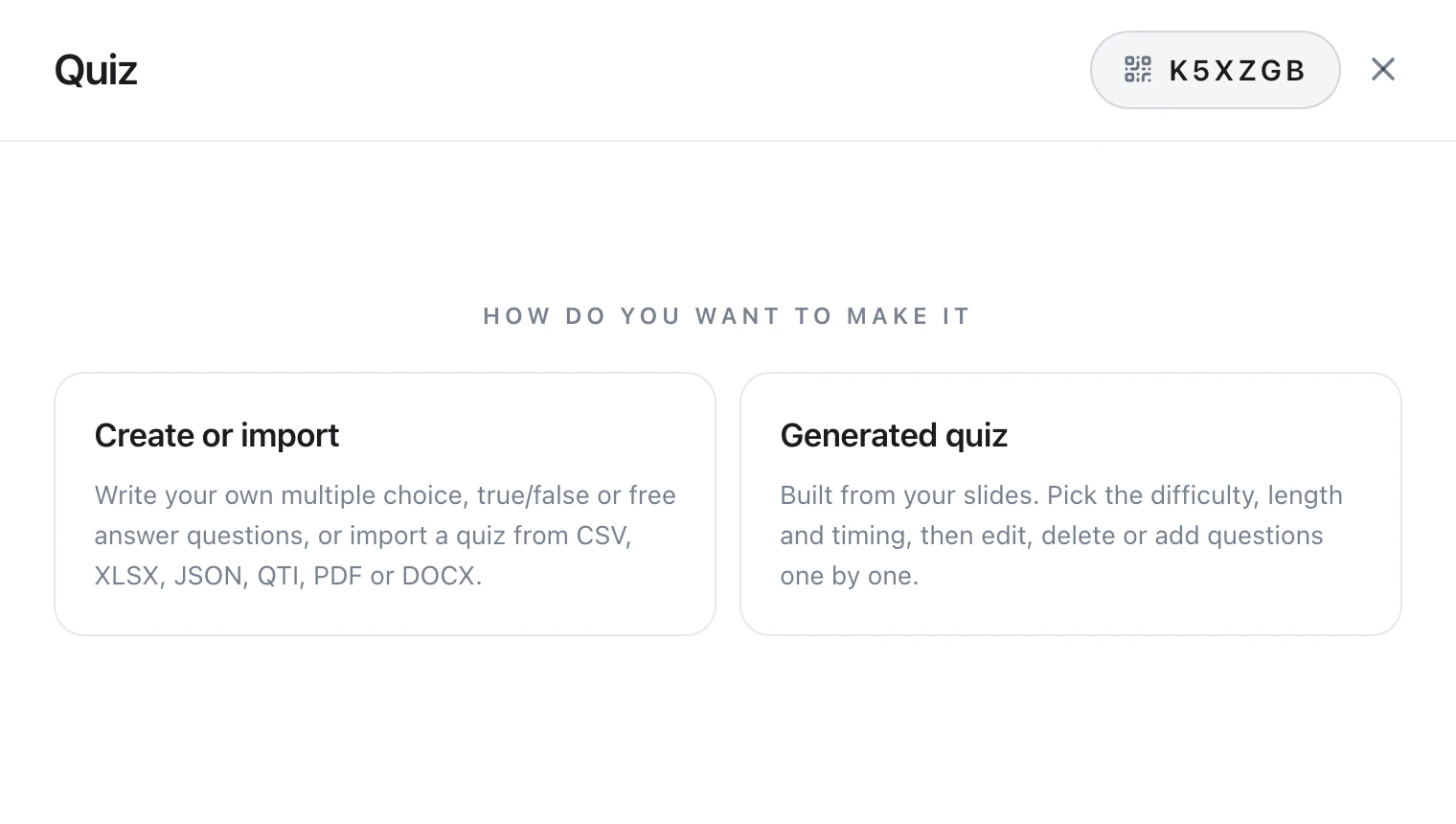
Built from your slides. Take the whole presentation or only the chapters you covered, choose the difficulty and the number of questions, or let the room vote on both. You check every question before it goes out, rewrite or remove any of them, or write the quiz yourself. The answers stay hidden until the end.
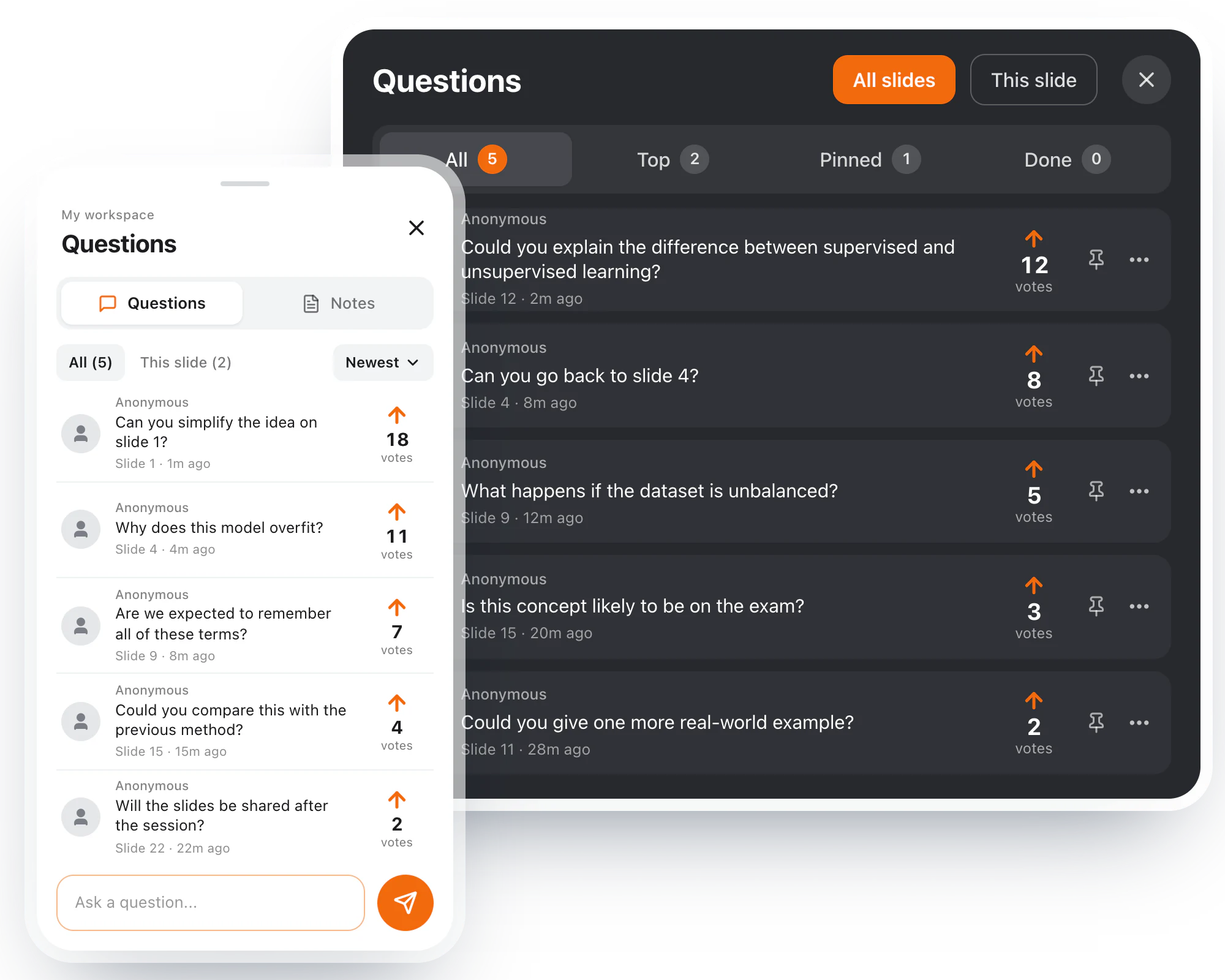
Participants ask from their own phone, on the slide in front of them, without giving their name. When several of them ask the same thing, it becomes one question with their number on it, so you see first what most of the room is asking. One tap takes you to the slide it came from, another marks it answered.
A live check on understanding, on the slide in front of the room: participants signal that they follow, need clarification or are struggling. You see how many have responded, how many want you to go over it again, and whether the room looks confident or split, while there is still time to act.
Draw or write on the slide, add a photo or open a whiteboard on the spot. A timer, with music if you want it. The history of every poll and quiz you ran. The join code, back on screen for whoever arrives late. And the session settings: the time between two comments, whether participants may browse ahead, and raised hands.
Diaposi writes the quiz from your own slides, on the spot. You pick the whole deck or only the chapters you covered, then set the difficulty, the number of questions and the time each one gets, or let the room vote on it. Every question is yours to read before it goes out, and you can rewrite, remove or add one. Then the room answers on their phones while you watch each question fill up, and nobody sees the right answers until the end.
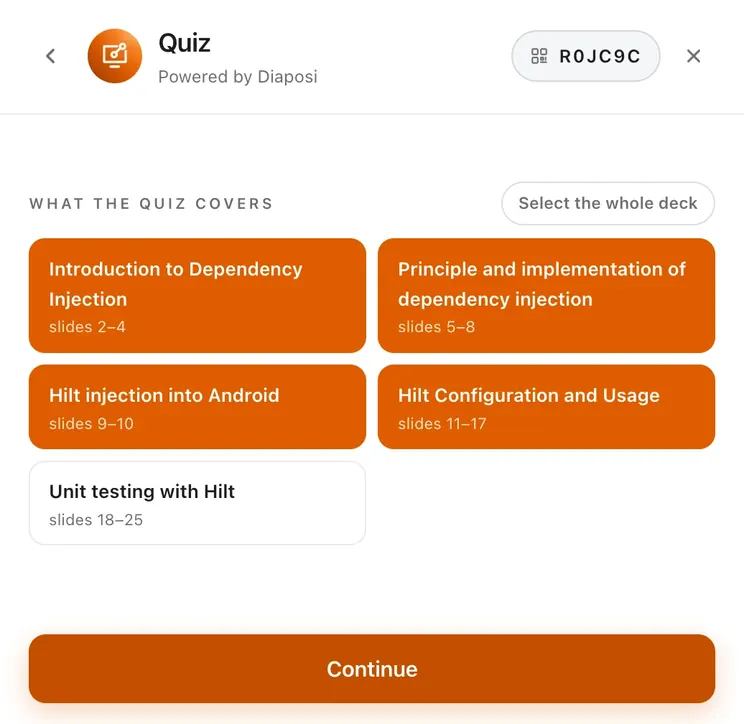
01Choose what it covers and set the difficulty. Edit, approve and customise every question.
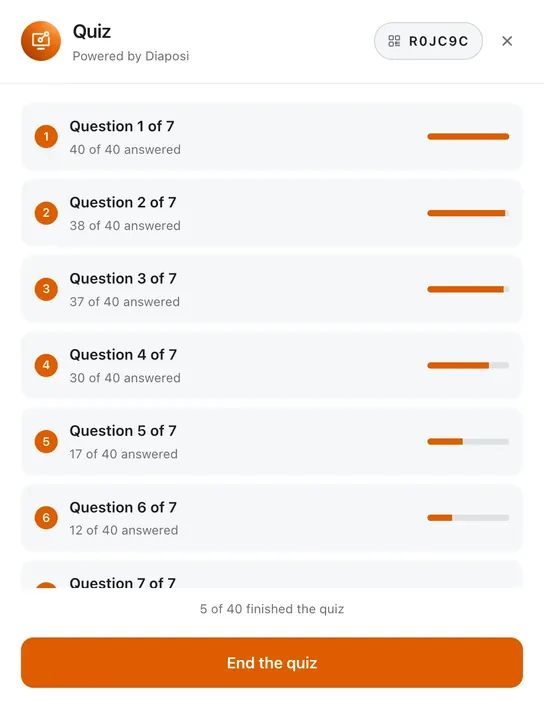
02Follow the room as it answers
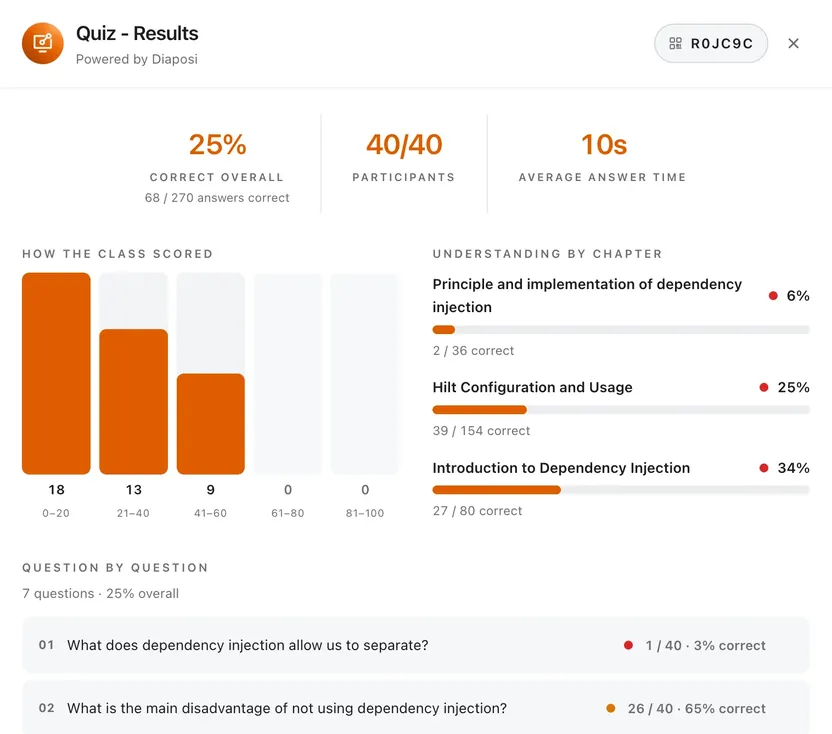
03See how the room did, question by question and chapter by chapter















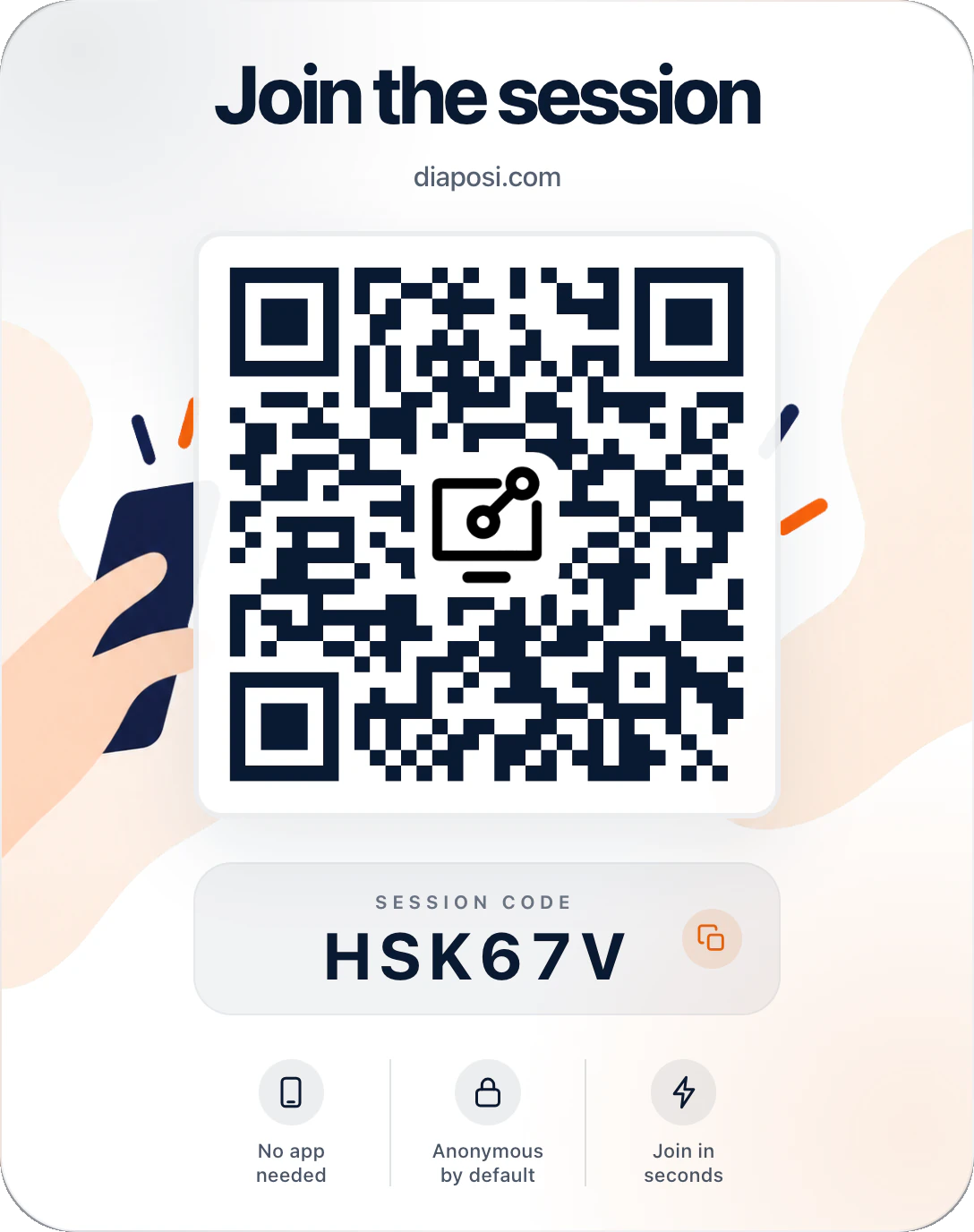
They scan the QR code on your screen or type its six-character code. No app, no account and no name to give.
The slide you are showing opens on their screen. They can go back to an earlier slide, take notes and draw on it, and mark it Got it or Review.
A phone, a tablet or a laptop, in the browser they already have. What they send reaches you without their name, and their notes and drawings stay their own.

The session ends, the work goes on: Diaposi files it, measures it and keeps it ready for your next class.
Diaposi reads each deck and files the session under its subject, so every subject gets a folder of its own: Biomedical engineering, Mobile development, Educational analytics. Each session keeps its date, its participation, its questions, its quiz and poll results and how far the room got through the deck, with its report one click away.
Give the same lecture to two groups and Diaposi lines the two sessions up side by side: who took part, the engagement score, the “got it” votes, the questions asked and the time spent, then slide by slide, biggest gaps first. You see at once what your changes did.
After every session you get a report: who took part, how attention held on each slide, what the room understood and which slides are worth teaching again. Download it as a PDF or a CSV.
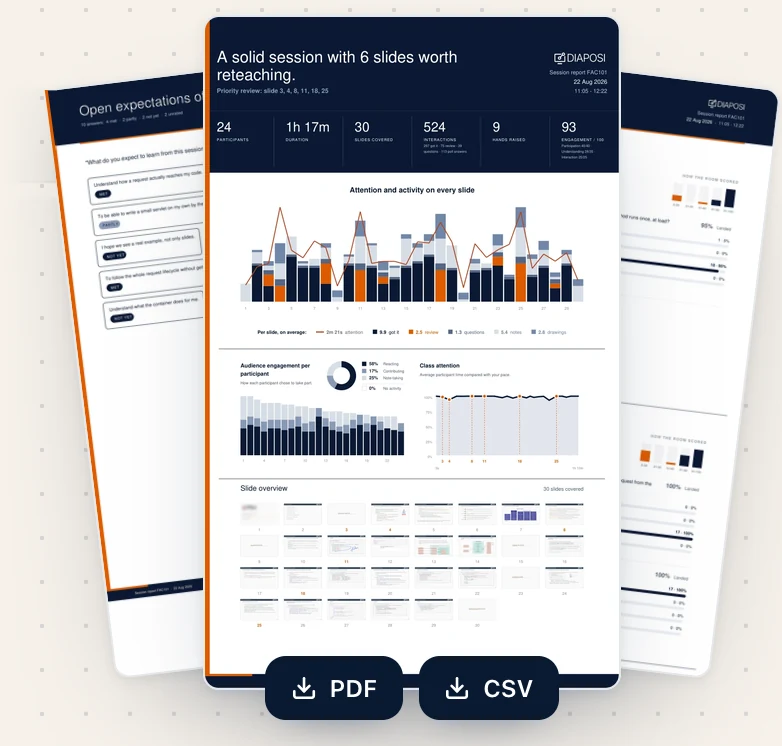
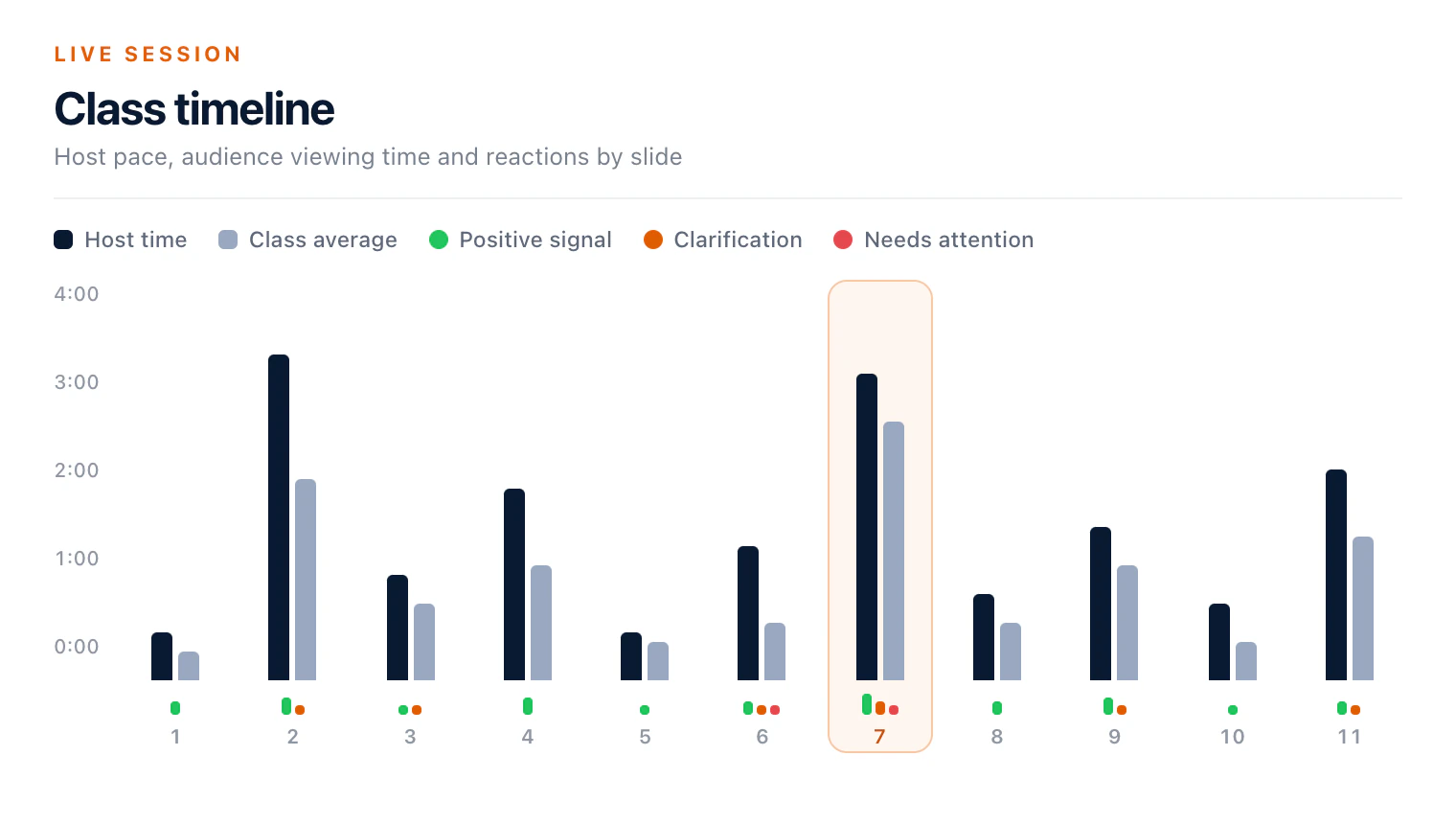
Where the room held on and where it drifted, over the slides and over time.
How many were still with you at each slide, and where the biggest drop came.
What participants did without pressing a button, like going back to re-read a slide, so the ones who never speak up count too.
The slides the room flagged, questioned or drifted away from.
Every slide you presented, with its attention, its votes and its questions.
Each participant's activity, anonymous and numbered by the order they joined.
What the room answered each time you asked.
The whole discussion, in the order it happened.
What the room hoped to take away at the start, and whether it did by the end.
For a course, a department or a whole university. Diaposi makes every live session interactive and measurable, with the slides your staff already have. Tell us what you have in mind and we will get back to you.
Universities across Europe.














What hosts ask most often before their first session.