Before: open a survey room
No slides yet: open a Live survey room from your dashboard, invite the room with the code, and read what people expect before you start.
Open a survey room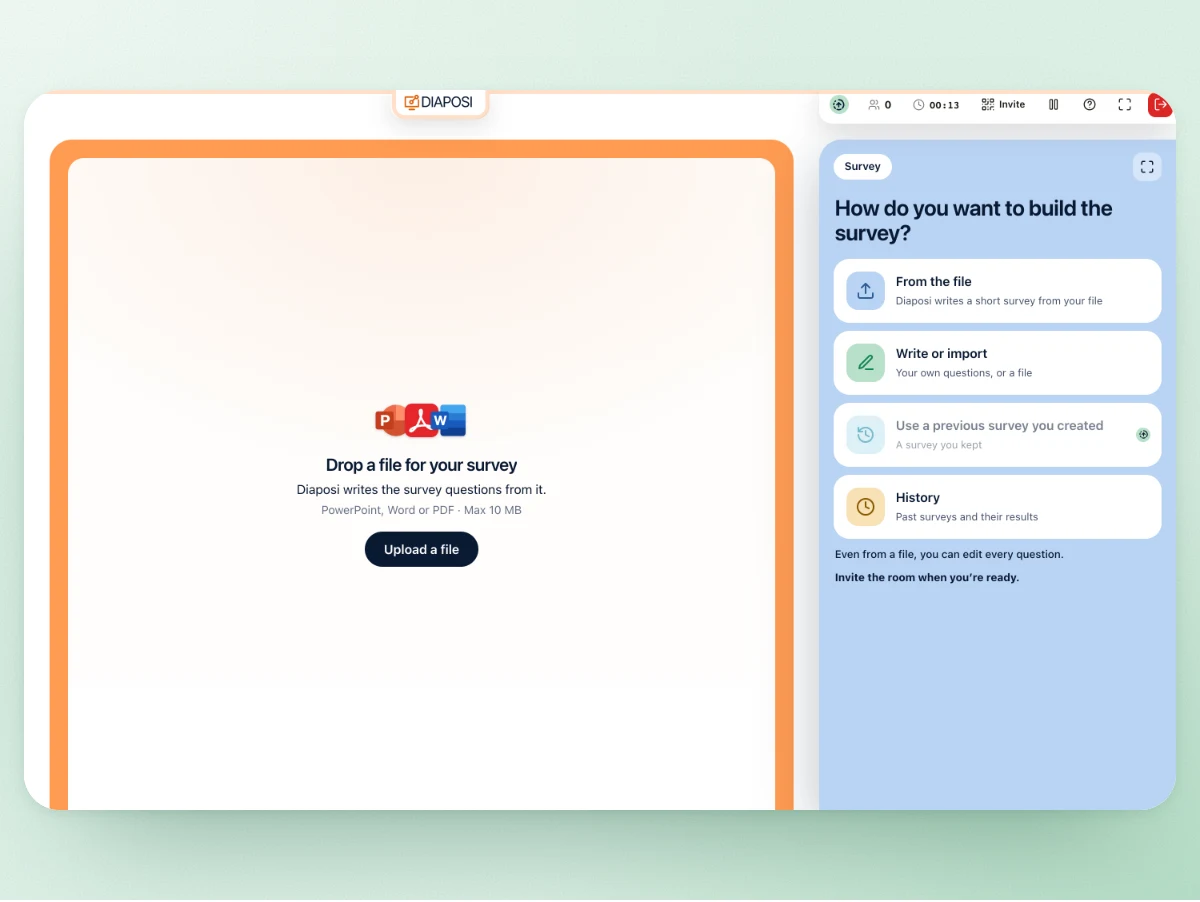
Join a Diaposi live session

Products
Live interactive presentationPolls, Q&A and quizzes on your slidesInteractive whiteboardHost a live board with your participantsAugmented learningStudy your documents with Diaposi AIStudy plannerStudy sessions placed in your weekPractice testsQuizzes and mock exams from your filesHost features
Participants answer on their phones at their own pace, anonymously unless you ask for names. You read the answers as they come, beside your slides, and keep them in the session report.
With Diaposi. The host presents the PowerPoint, PDF or Word deck they already have and opens a survey from the panel beside the slides, written by hand or by Diaposi from the slides. Participants join with a QR code, no app and no account, and answer on their phones at their own pace, anonymously unless the host asks for names. Every answer is kept in the session report.
No slides yet: open a Live survey room from your dashboard, invite the room with the code, and read what people expect before you start.
Open a survey roomOn any slide, launch a survey from the panel. The room answers from their phones at their own pace while you go on, and the panel fills in beside the slide.
Start an interactive session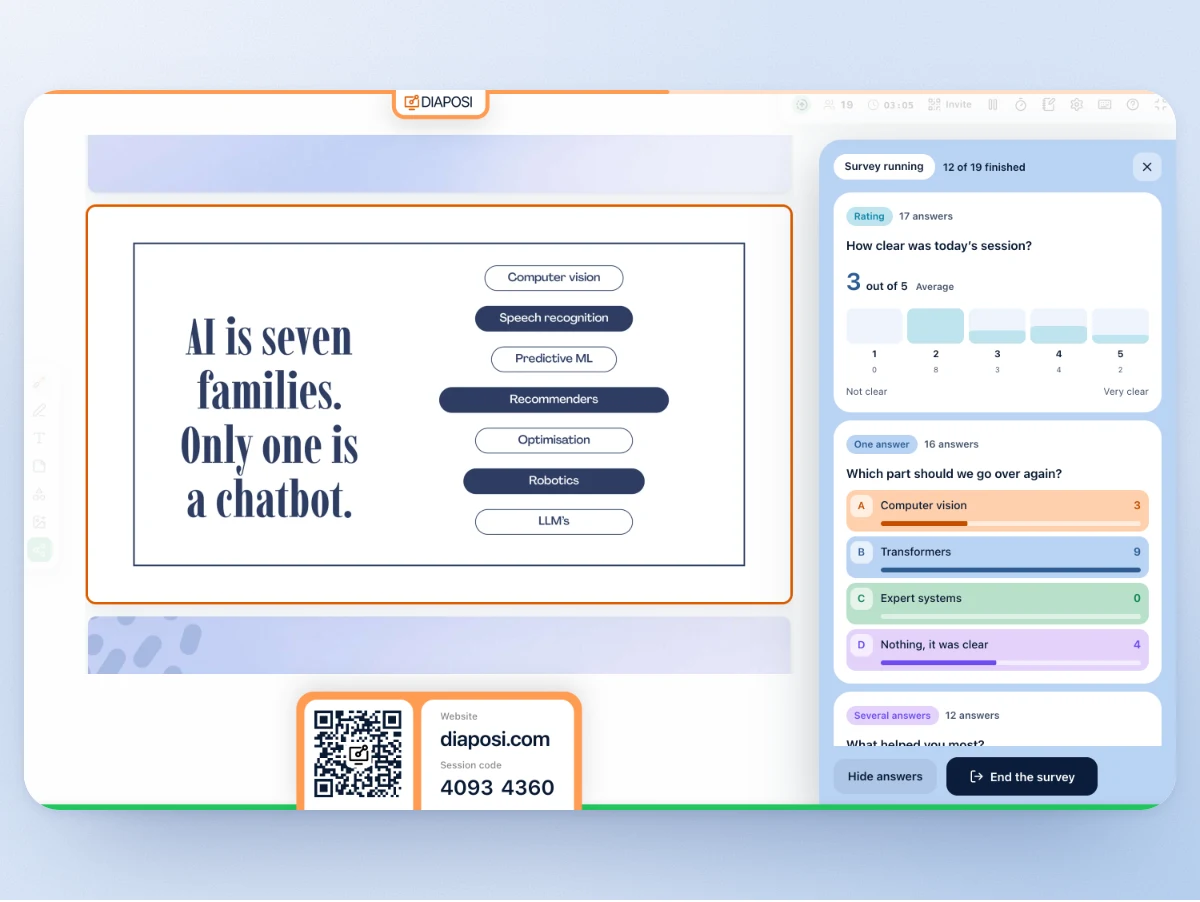
On your last slide, launch the end-of-session survey with the join code on the screen. The answers are in your report before anyone has left the room.
Run the evaluation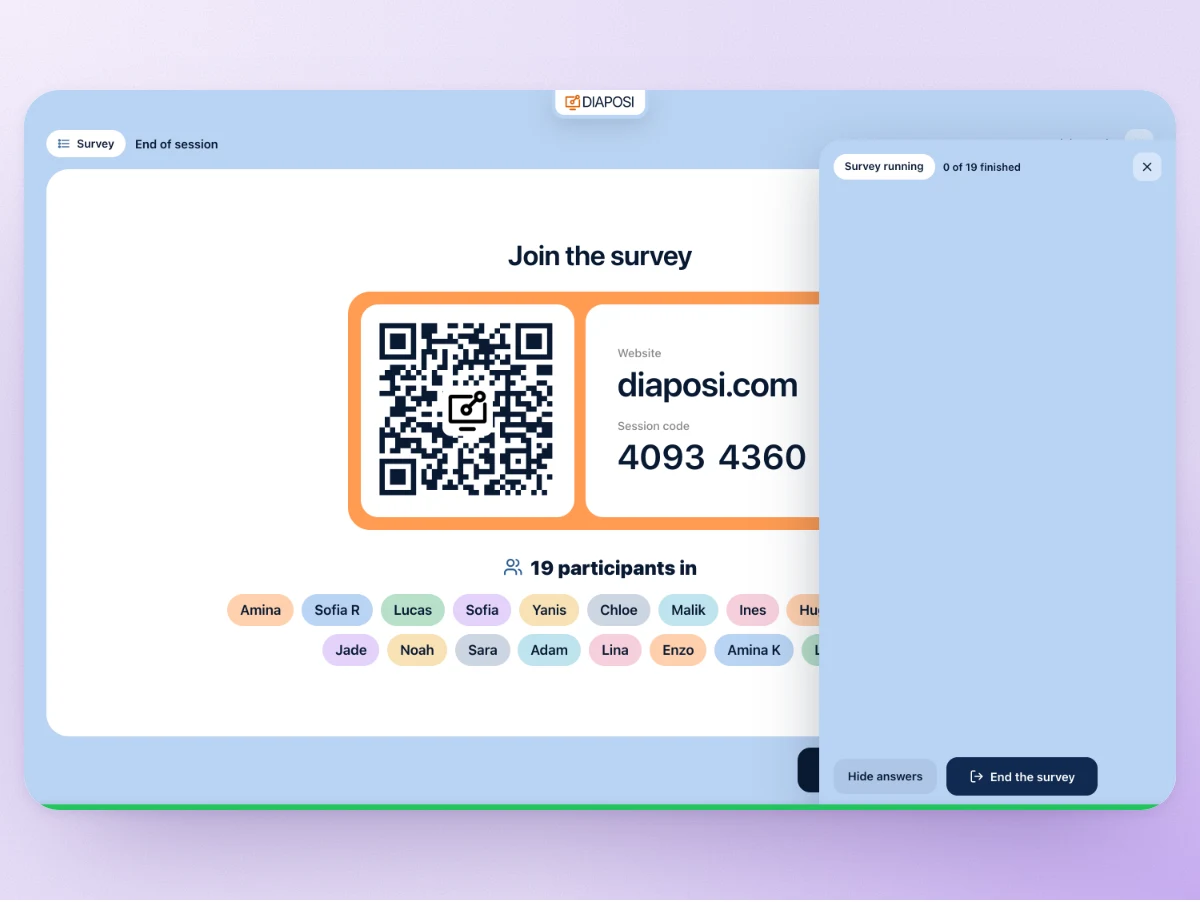
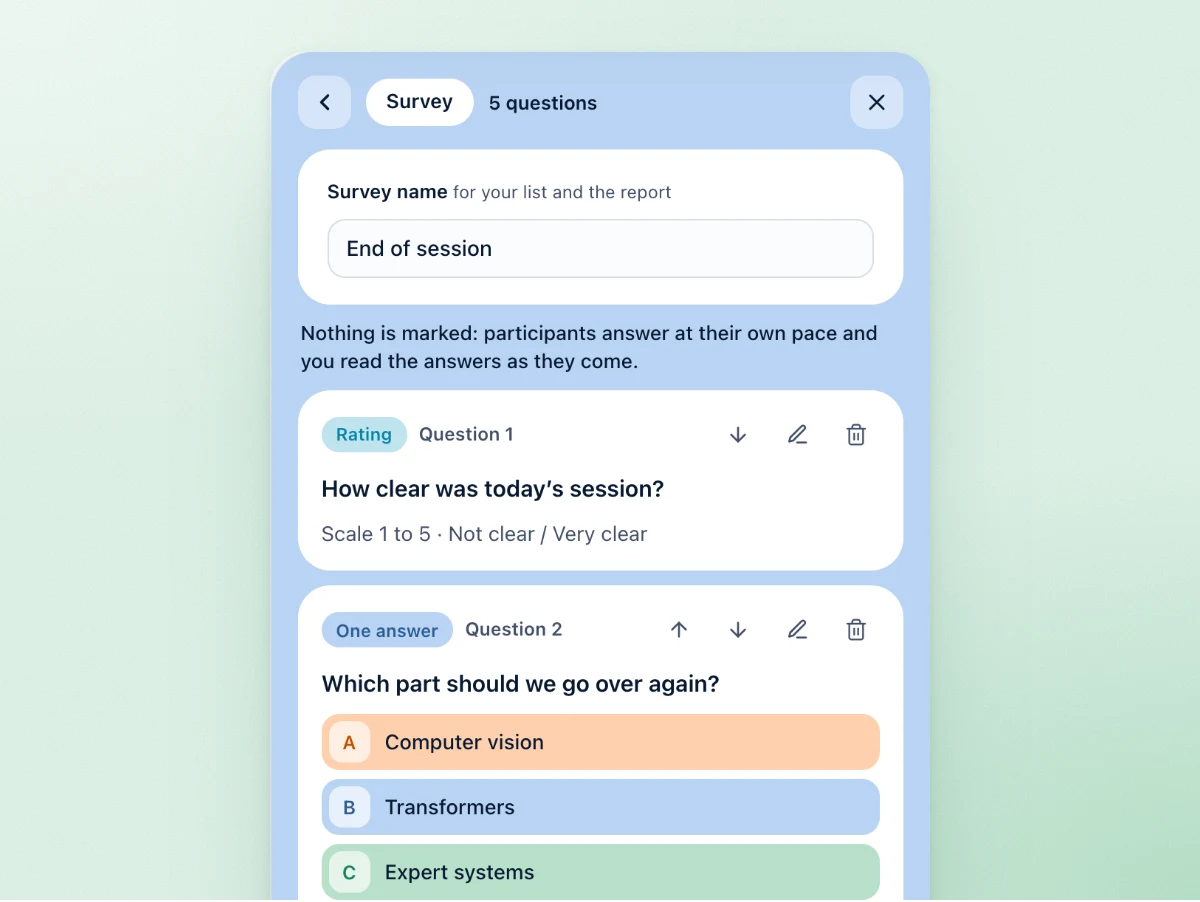
Up to 20 questions in one survey, in the order you choose, each one edited before you launch.
Write your questions, or let Diaposi write a short survey from your slides, in their language. Six kinds of question, up to twenty, and anonymous answers on by default.
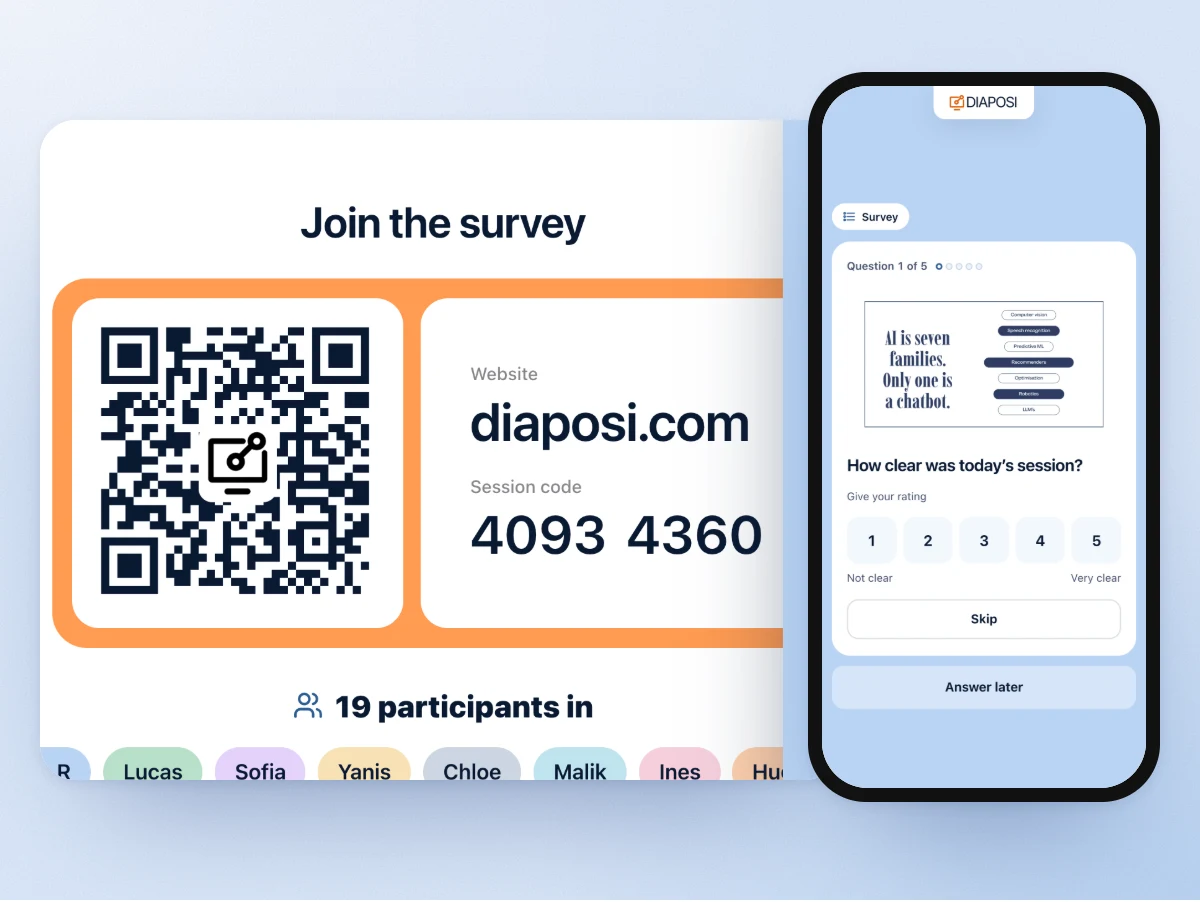
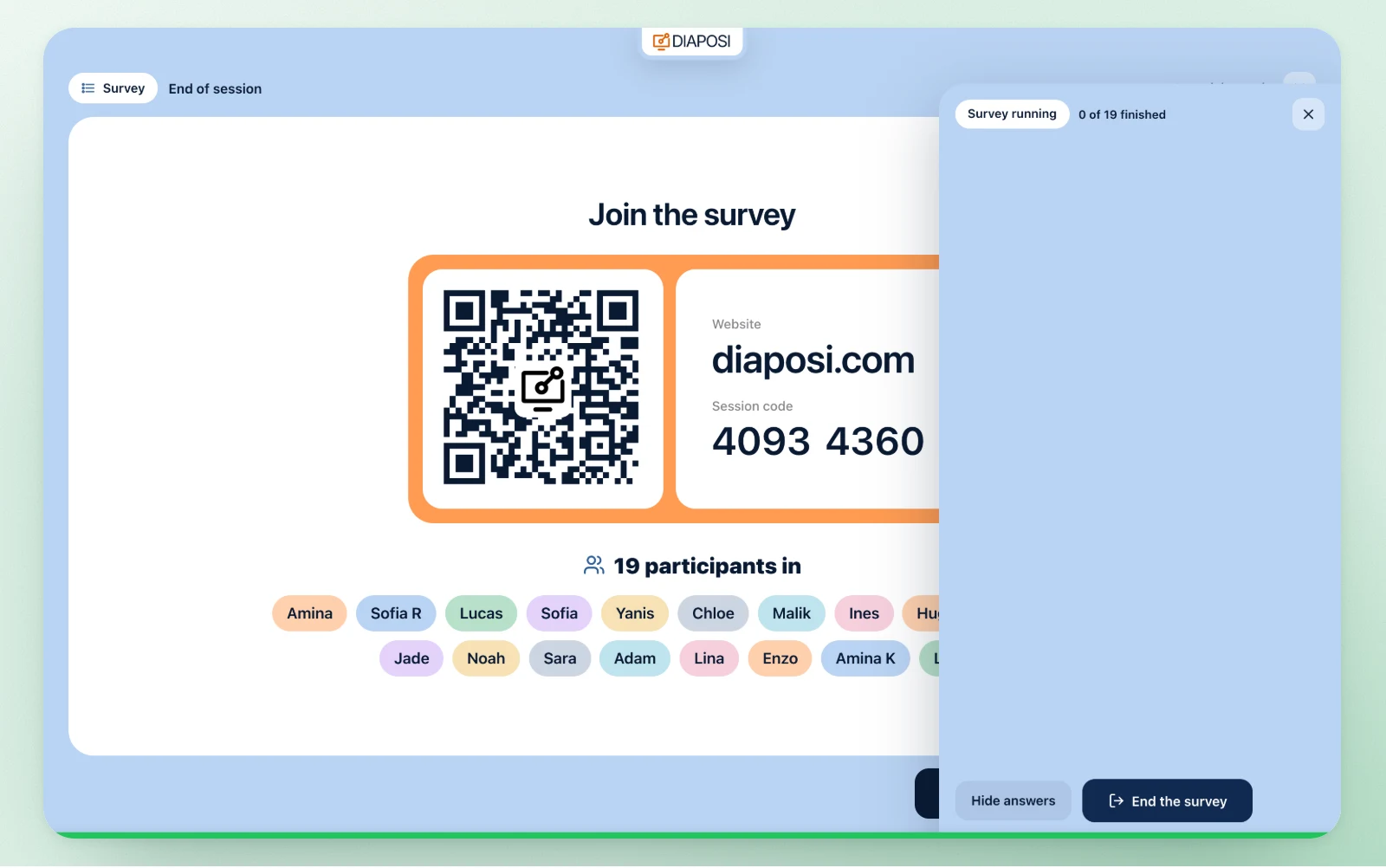
The QR code and the eight-digit code on your screen. Participants answer from their phones, no app and no account, at their own pace.
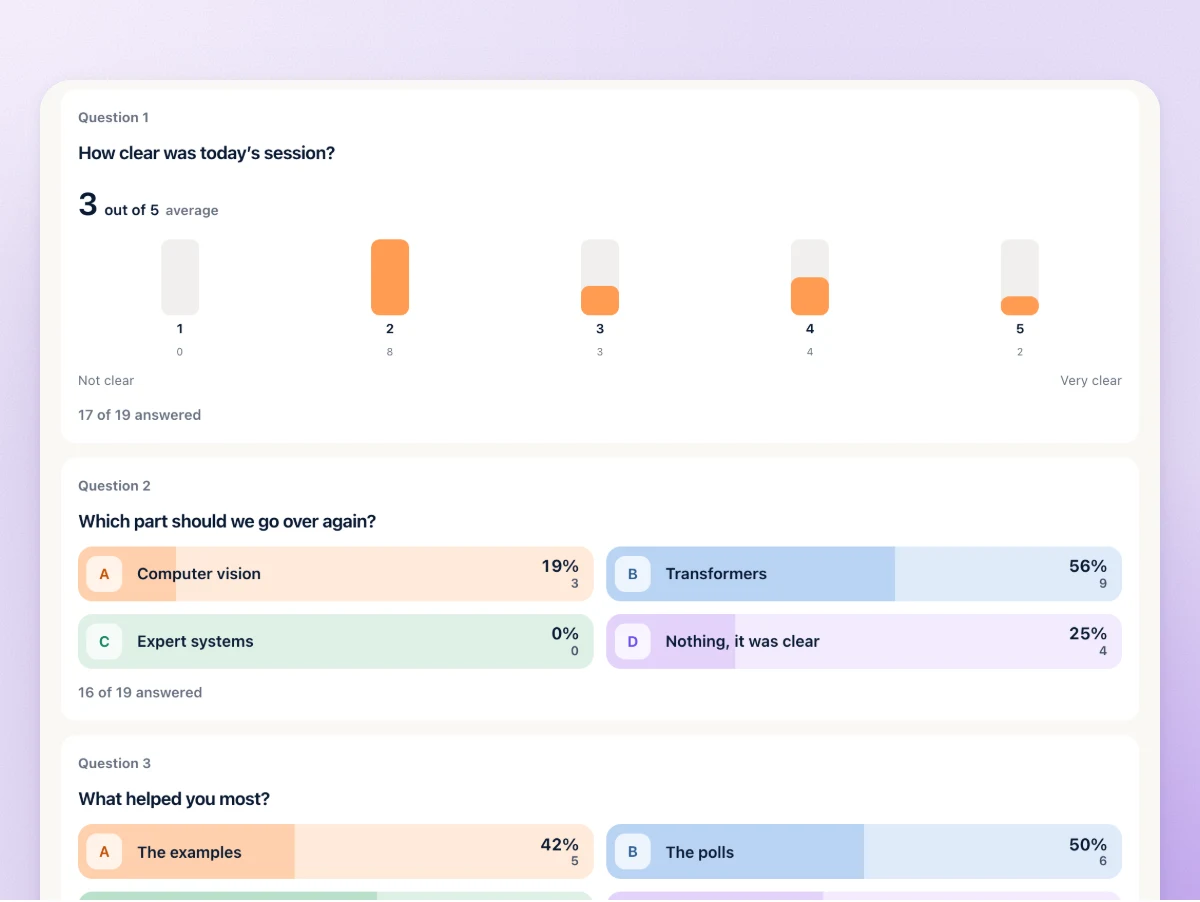
Every answer sits in the session report, question by question: each choice with its count, each rating with its average, every free answer in full. Ready to export to Excel or as a PDF.
Launch the survey while the room is still there: whoever has not joined scans the code on your screen, everyone answers from their phone in a few minutes, and the answers sit in your session report before anyone has left. Not an email sent afterwards.
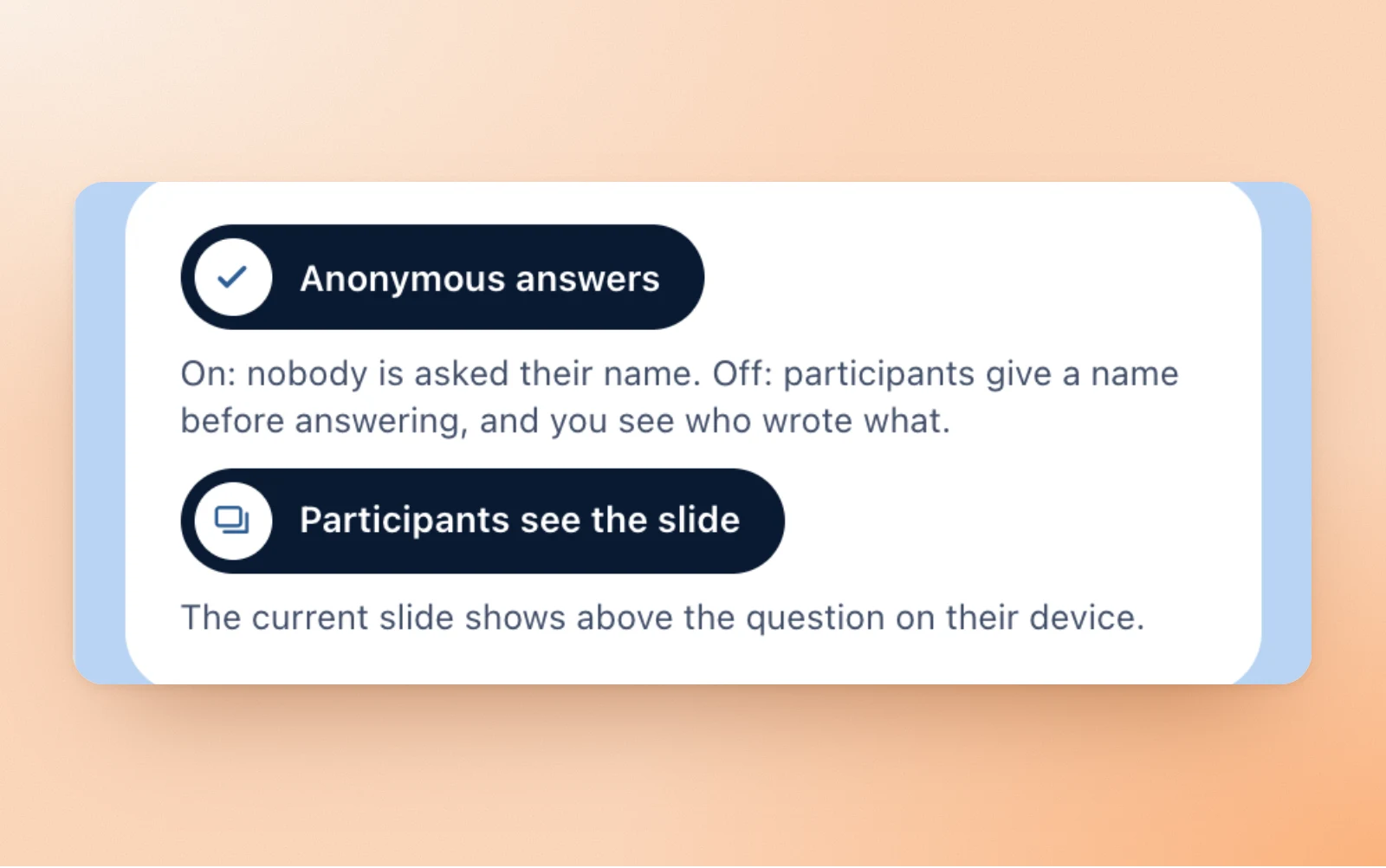
Anonymous answers is on when you build the survey: nobody is asked their name, and the report carries none. Switch it off and participants give a name before the first question; you then see who wrote what, on the panel and in the report.
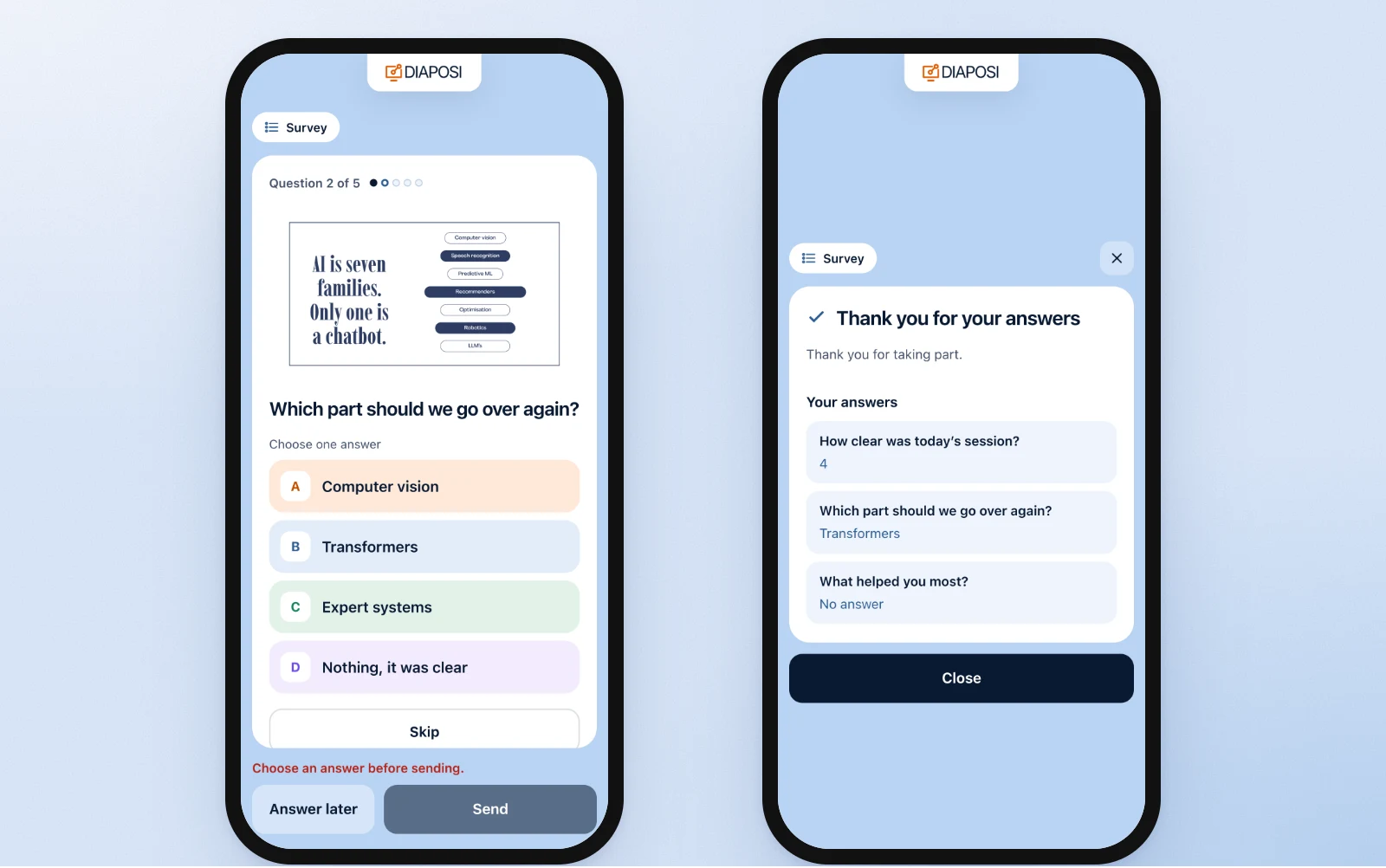
Each participant walks the questions on their own phone, skips one if they want, folds the card and comes back to it. The survey stays open until you end it, so a latecomer can still answer. Their phone closes on a thank you and their own answers.
On the same slides, and in the same session:
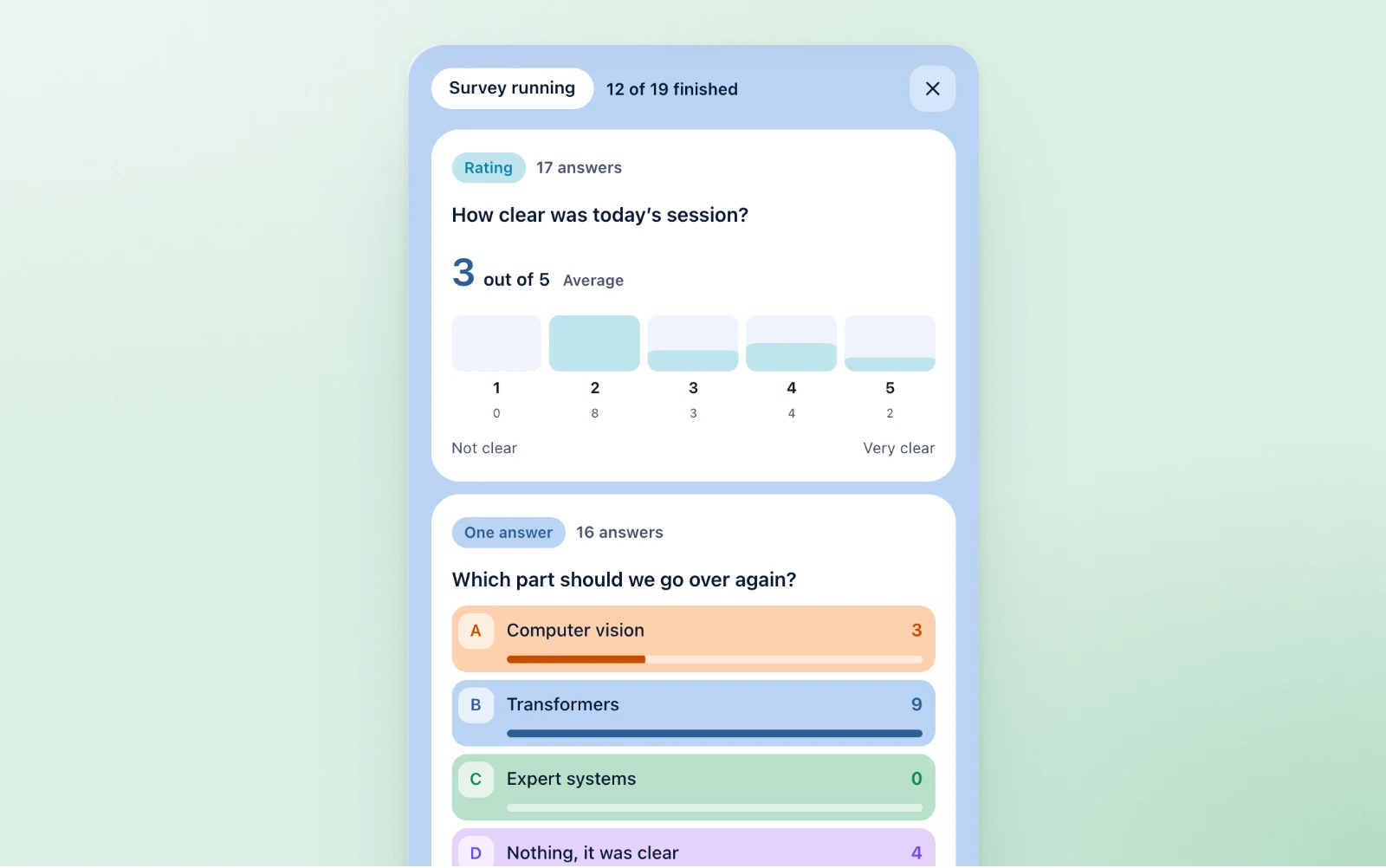
The survey never takes the screen: the slide stays up for the room, and the panel on your side fills in question by question, a bar per answer, the average of a rating, the free answers as they are written. Hide the answers while the room is still typing, end it when you choose.
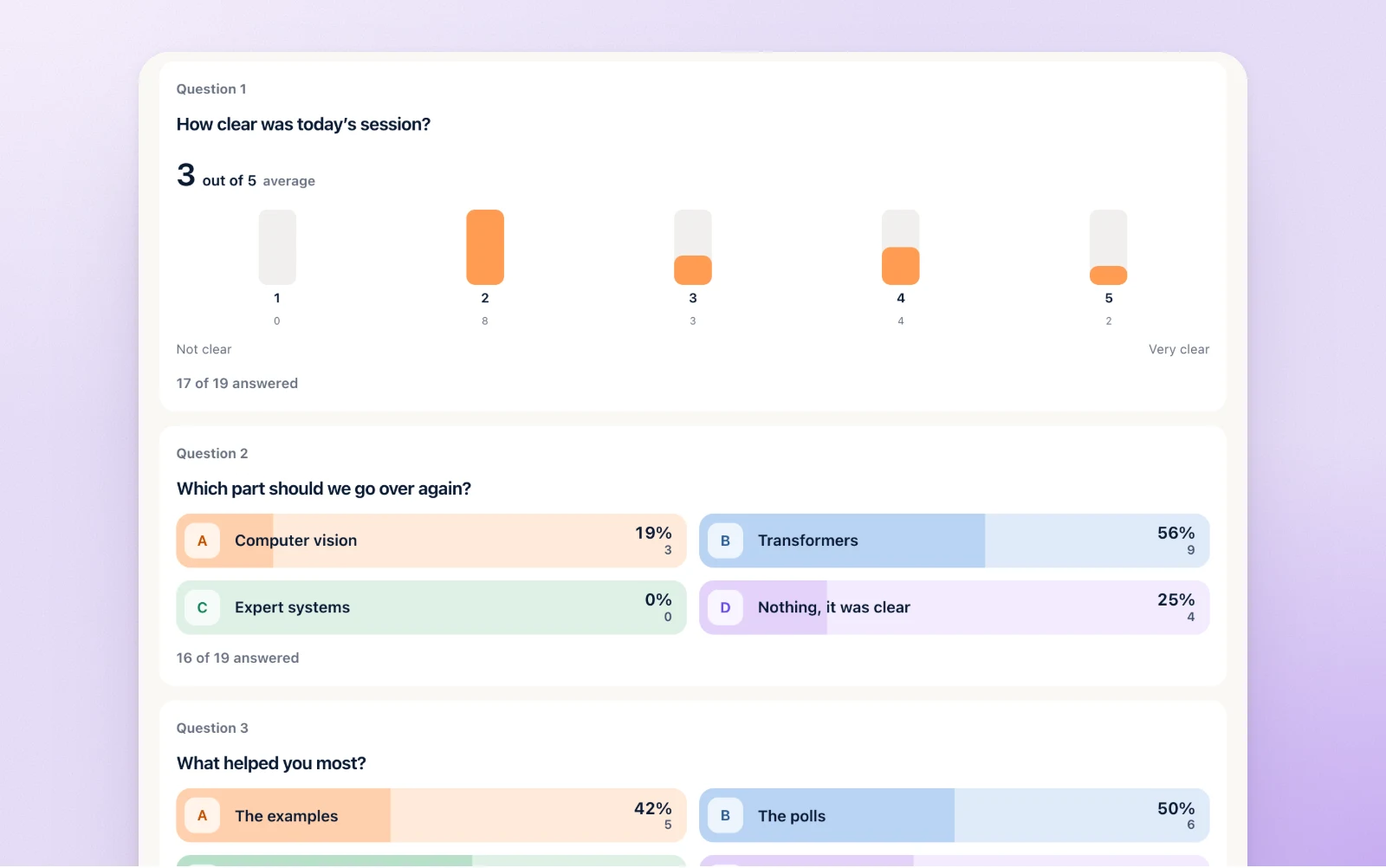
Every survey of the session sits in its results page with the time it ran and how many answered: each choice with its count, each rating with its average, each number with its mean, every free answer in full, and who answered when you asked for names.
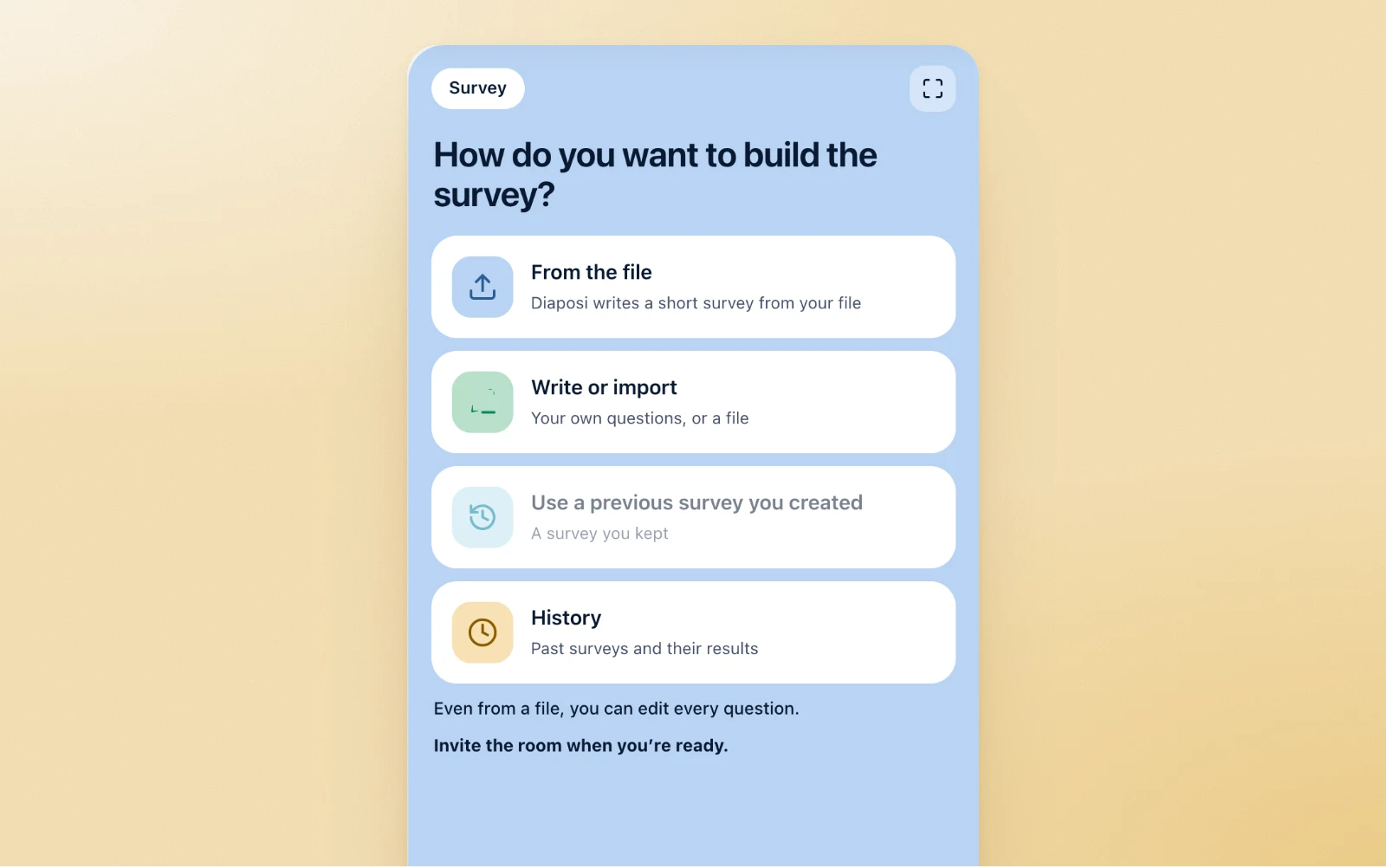
No presentation that day? Open a room from the Live survey tile, drop a file for Diaposi to write from, and invite the room. Its History keeps every past survey with its results, and Save and exit closes the room with them.
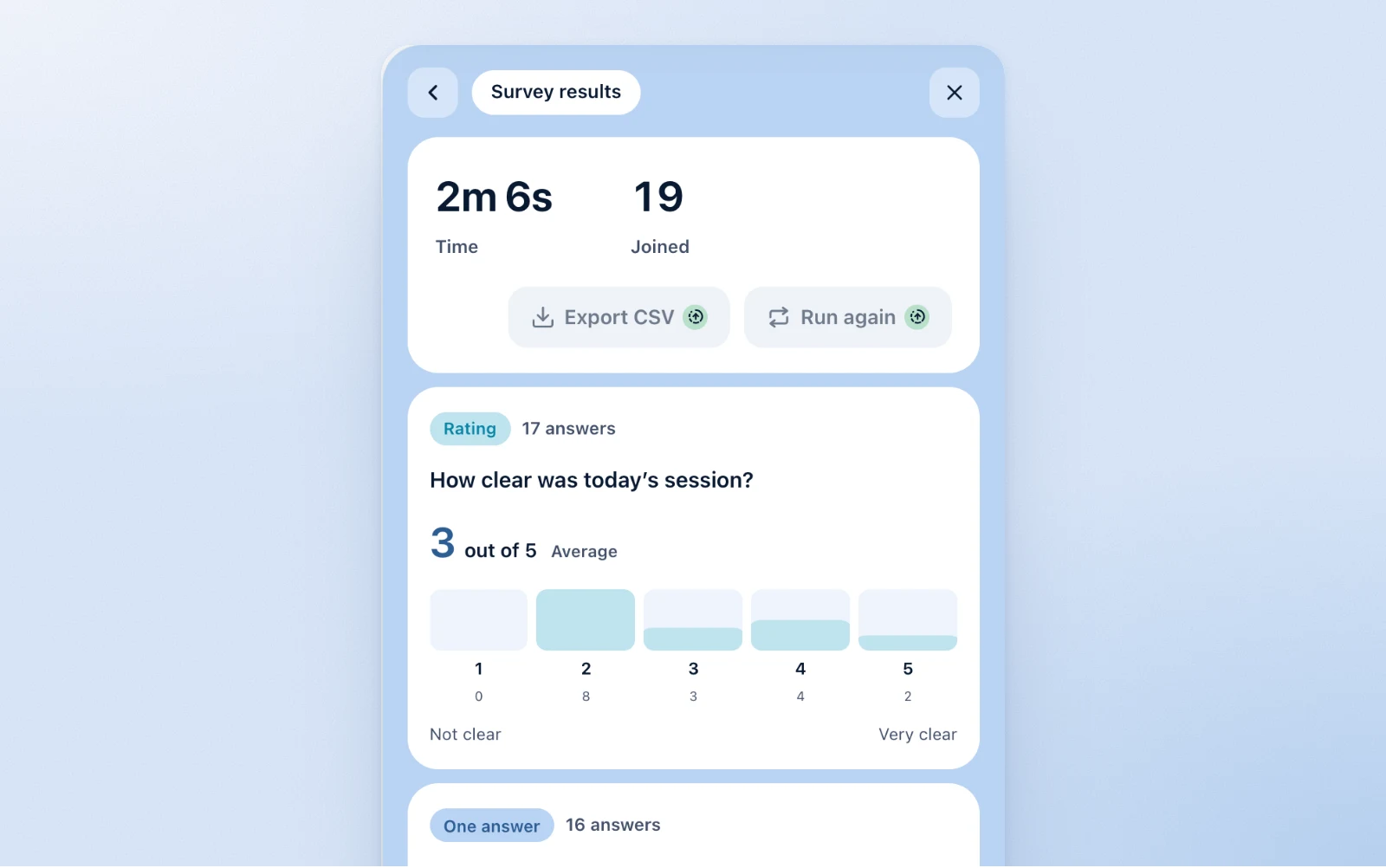
With Upgrade, your surveys stay on your account to run with the next group, a survey runs again from its results, and its answers are exported as a CSV.
Yes. Hosting is free to start, with no card, and participants never pay. The paid plans, Starter and Pro, are for learners. Writing the survey, the answers live on your panel and the report are open to every host.
No. They join from their browser with the QR code or the 8-digit code, on a phone, a laptop or a tablet. Only the host has an account.
Yes, unless you ask for names. Anonymous answers is on by default: nobody is asked their name, and the report carries none. Switch it off and participants give a name before the first question.
Yes. Launch the survey on your last slide, while the room is still there. Participants answer from their phones in a few minutes, and the answers are in the session report before they leave.
Yes. Diaposi writes a short survey from your slides, in their language, with at least one rating, one choice and one free answer, and you edit every question before you launch. With no text to read, it builds the survey on your chapters instead.
A poll is one question for the whole room at once, its result on the screen as the votes come. A survey is a set of questions, up to 20, that each participant answers at their own pace with no right answer, read on the host's panel and kept in the report.