How do you study from lecture slides?
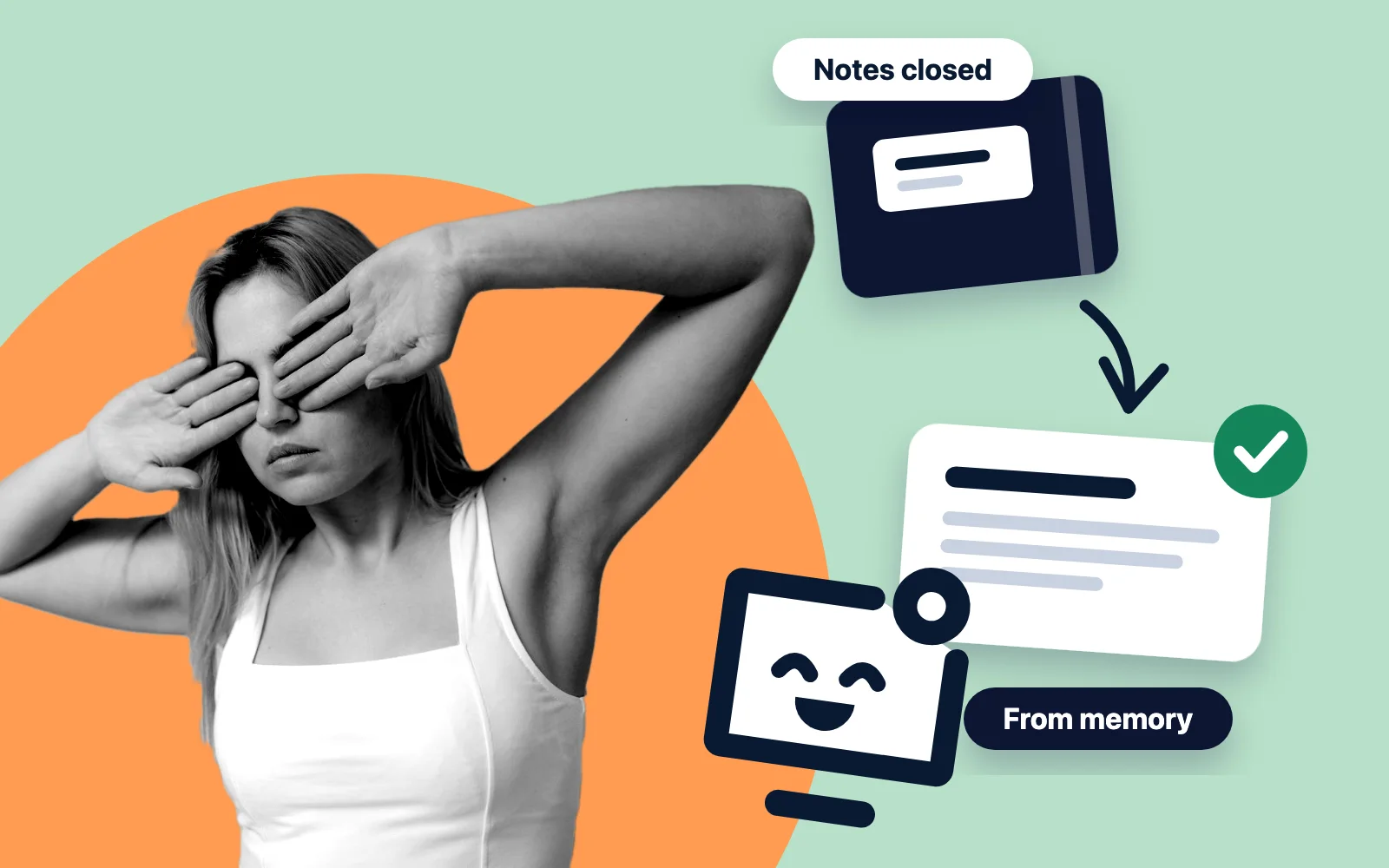
Stop reading the deck from the first slide to the last. A slide is short and tidy, so a second reading goes fast and feels like knowing. An exam asks for something else: producing the idea with nothing in front of you. So that is what to practise.
The routine needs only paper and the deck.
Skim once for the map
Go through the deck quickly, titles only, and write the four to six parts of the lecture on one sheet. If the deck opens on learning outcomes, note them: they are the questions your lecturer has already announced.
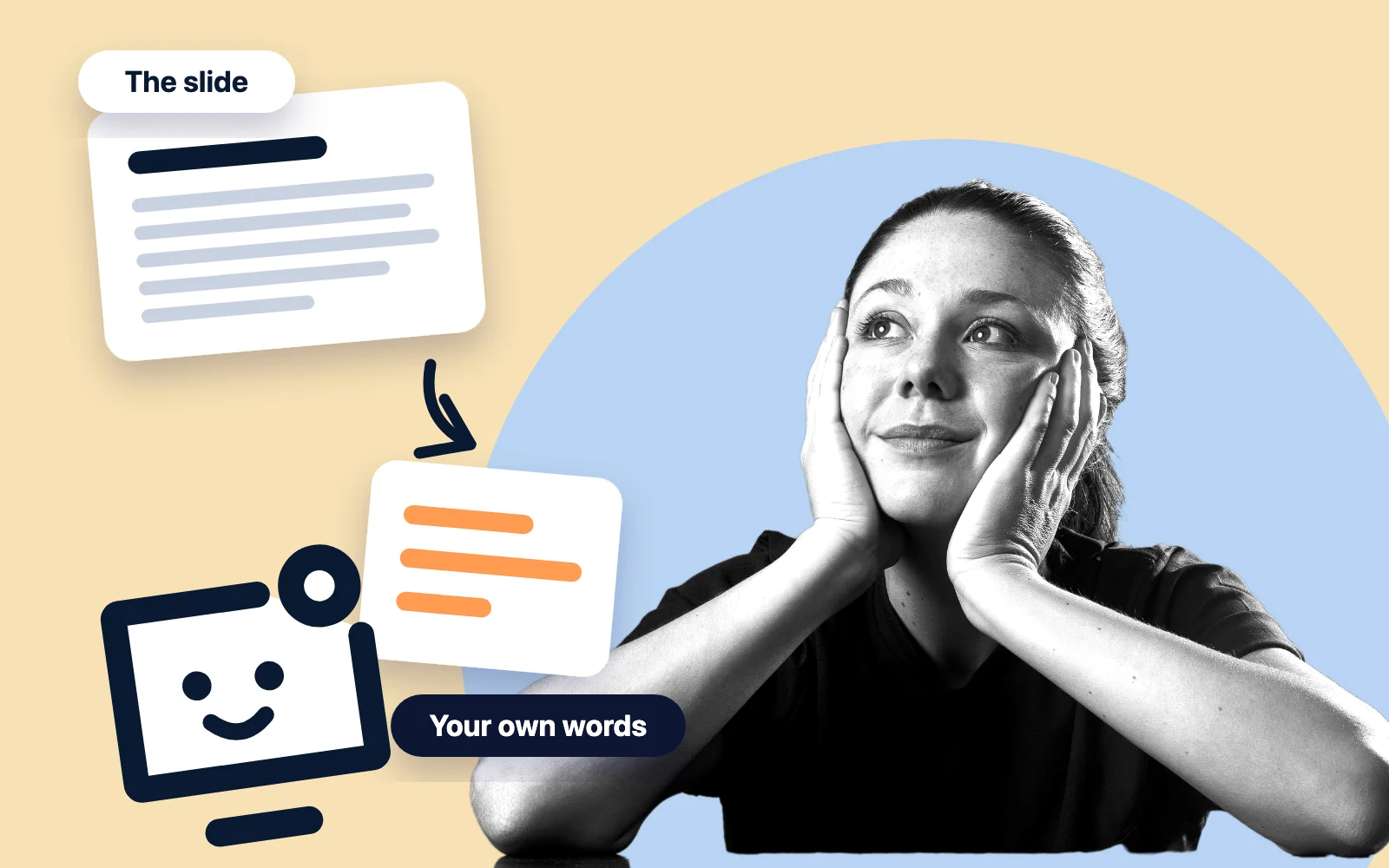
Write one question per slide
On a separate sheet, with the slide number beside it. A slide titled Types of memory becomes: what are the types of memory, and how do they differ? Do not copy the slide. The question is all you write.
Close the deck and answer
On paper or out loud, in full sentences. Guess when you are not sure. An answer you produce shows what you know; a glance at the slide only shows what you recognise.
Open the deck and check
Mark each question right, partly or wrong. For the last two, read the slide again, with your notes or the course book if the slide is thin, and write the correct answer under your own.
Come back to the misses
Two or three days later, answer the partly and wrong questions again, deck closed. A week later, answer the whole sheet. From here on you never reread the deck from start to finish. You answer.
Why doesn't rereading your slides work?
Because it trains you to recognise a slide, not to produce it. It is also what most students do.
84%
Asked how they study, 84% of 177 undergraduates at one selective US university said they reread their notes or textbook. Only 11% listed testing themselves.
Source: Karpicke JD, Butler AC, Roediger HL (2009) (external link)
It feels productive because the page gets easier to read each time. The authors of that survey call this an illusion of competence: reading smoothly with the text in front of you says little about what you will recall once it is gone (Karpicke, Butler and Roediger, 2009 (external link)).
61% against 40%
In a classic laboratory experiment with 180 undergraduates, those who studied a short text once and then tested themselves three times recalled 61% of it a week later. Those who studied it four times recalled 40%.
The tested group had read the text 3.4 times on average, the rereaders 14.2 times, and the rereaders were the more confident. One caveat matters: five minutes after studying, the rereaders were ahead. Rereading pays in the next few minutes, recall pays the week after (Roediger and Karpicke, 2006 (external link)).
A wider review points the same way. Of ten study techniques, only two were rated high utility: testing yourself and spreading study over time. Rereading and highlighting were rated low because they do not consistently improve results, which is not the same as never helping (Dunlosky et al., 2013 (external link)).
How do you turn a slide into a question?
Ask what an examiner could ask about the slide, not what the slide says. Most slides fall into a few kinds, and each kind has its question.
| What the slide holds | The question to write |
|---|---|
| A title and a list of points | What are the points, and why does each one matter? |
| A definition | Define the term in one sentence, with an example that is not on the slide. |
| A diagram or a figure | Redraw it from memory and label every part. |
| A graph or a table of results | What is on each axis, what is the trend, and what does it show? |
| A formula | What does each symbol stand for, and when does the formula apply? |
| A process in steps | List the steps in order. What fails if one is skipped? |
| A comparison | Give the differences, then one case where each option is the right one. |
| A worked example or a case | Which idea of the lecture does this example show? |
| A picture or three words | What was said over this slide? |
The last row is the hard one. A slide with a picture and three words was made to be spoken over, so the explanation is not in the file. If you cannot answer, fill the gap from your notes, the recording, the course book or a classmate, and write the answer down once.
Write or say your answers rather than turning everything into multiple choice. In a meta-analysis of laboratory experiments, practice by recall brought larger benefits than practice by recognition, which is what multiple choice asks for. Recognition still helped, only less (Rowland, 2014 (external link)).
Question stems to copy
- What is ..., in one sentence?
- Why does ... happen?
- What are the steps of ..., in order?
- How does ... differ from ...?
- What would change if ...?
- Give an example of ... that was not in the lecture.
- What is the evidence for ...?
- When does ... not apply?
- Draw ... from memory.
- How does this slide follow from the one before?
What do you do with 100 slides or more?
You do not write 100 questions. A long deck is long because slides repeat, build up and illustrate. Sort before you write.
- No question: title slides, the agenda, course administration, the closing slide.
- One question for the group: a diagram that builds over several slides, a run of examples of the same idea.
- One question each: definitions, mechanisms, formulas, comparisons, results.
- Detail questions last: names, dates and values, once you can answer the questions on the ideas. Keep this order even if the exam is multiple choice and any detail can be asked.
Then take one part of your map at a time. A part is a sitting: write its questions, answer, check, stop. Three sittings on three days also spread the work, and the next section shows why that pays.
When should you come back to a deck?
After a gap, and the gap can grow with the time left before the exam.
20 to 40%
In an experiment with more than 1,350 people, the best moment for a single review was after about 20 to 40% of the delay for a test one week away, and after about 5 to 10% of the delay for a test one year away.
Source: Cepeda NJ, Vul E, Rohrer D, Wixted JT, Pashler H (2008) (external link)
The delay runs from the review to the test: for a test one week after your second pass, the best gap was one to three days. The experiment used a single review and trivia facts, so this is a rule of thumb, not a calendar. Waiting a little too long also cost much less than coming back too soon (Cepeda et al., 2008 (external link)). The plan below follows that logic.
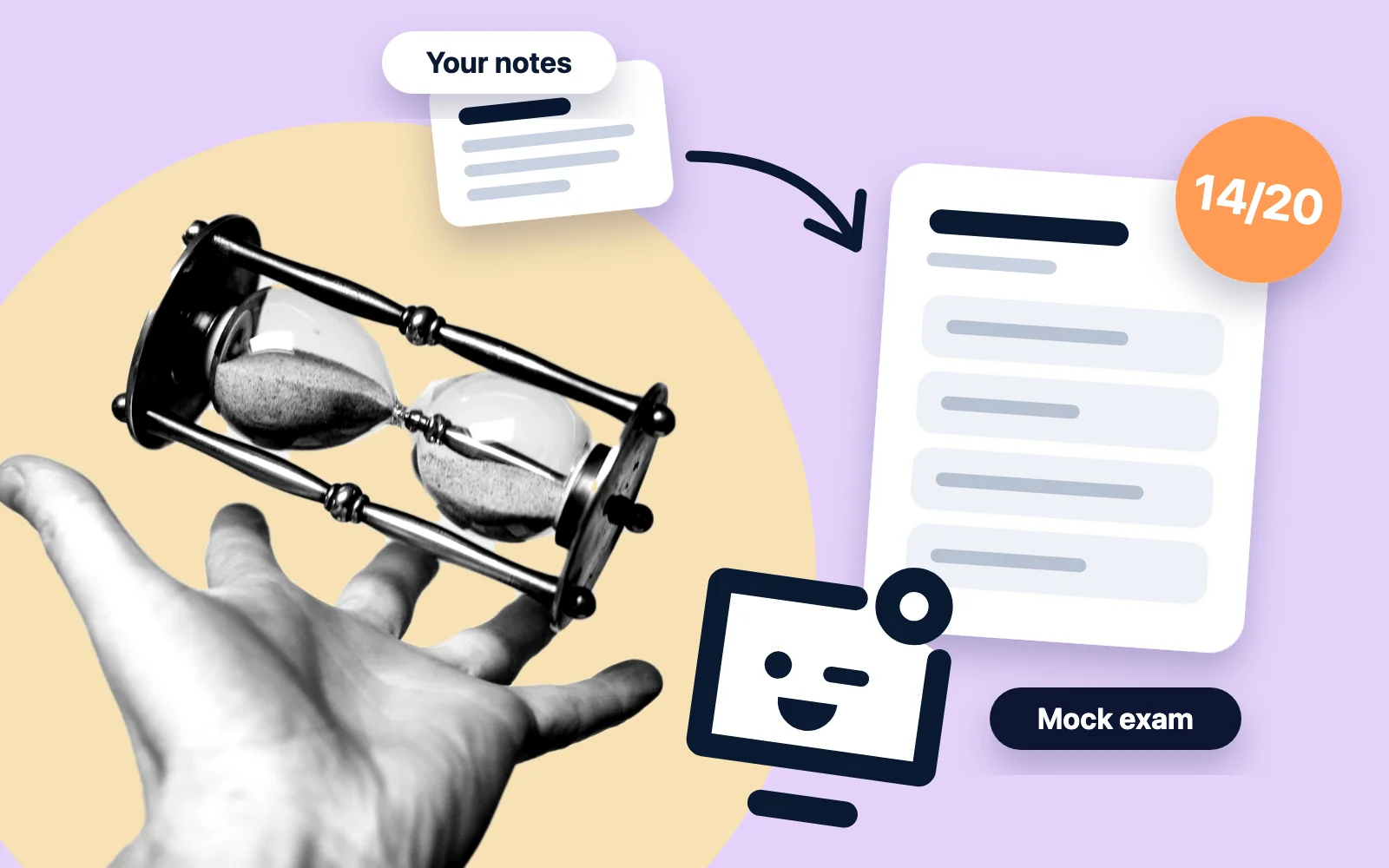
| When | What you do, deck closed |
|---|---|
| The day of the lecture | Skim, write the questions, answer all of them, check. |
| Two or three days later | Answer the questions you missed. |
| A week later | Answer the whole sheet and list what is still missed. |
| The days before the exam | Answer that short list, then the whole sheet once. |
Expect it to feel worse than one long evening on the deck. In flashcard experiments with vocabulary pairs, spacing the cards out worked better than massing them for 90% of participants, yet 72% believed the opposite after their first session (Kornell, 2009 (external link)).
The same routine on your own deck, with the questions written for you
What makes a deck stay is answering questions about it, and the slow part is writing them. Diaposi does that part on the file you already have. You add the deck, and each page can be explained in simple words and turned into a question and flashcards, all written from your own pages, in their language. The answering stays yours.
Add the deck you were given
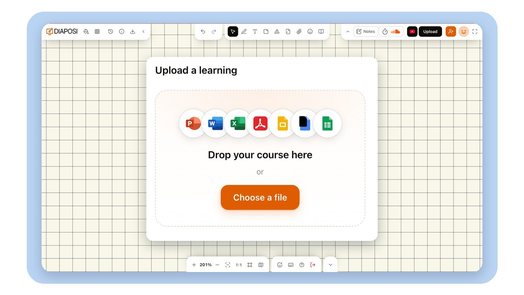
Sign in and drop the PowerPoint or PDF, or import it from Google Drive or Dropbox. A Google Slides deck is added by its link. Diaposi AI reads the file and writes its summary, with key points, and its chapters: your map, without the first skim.
Ask for the question on a page
Select a page and press Augmented learning. The page is explained again in simple words, with another example and its prerequisites, and Quiz gives you a question on that page. You write no prompt. A page with too little text gives no flashcard, so a picture-only slide still needs your notes.
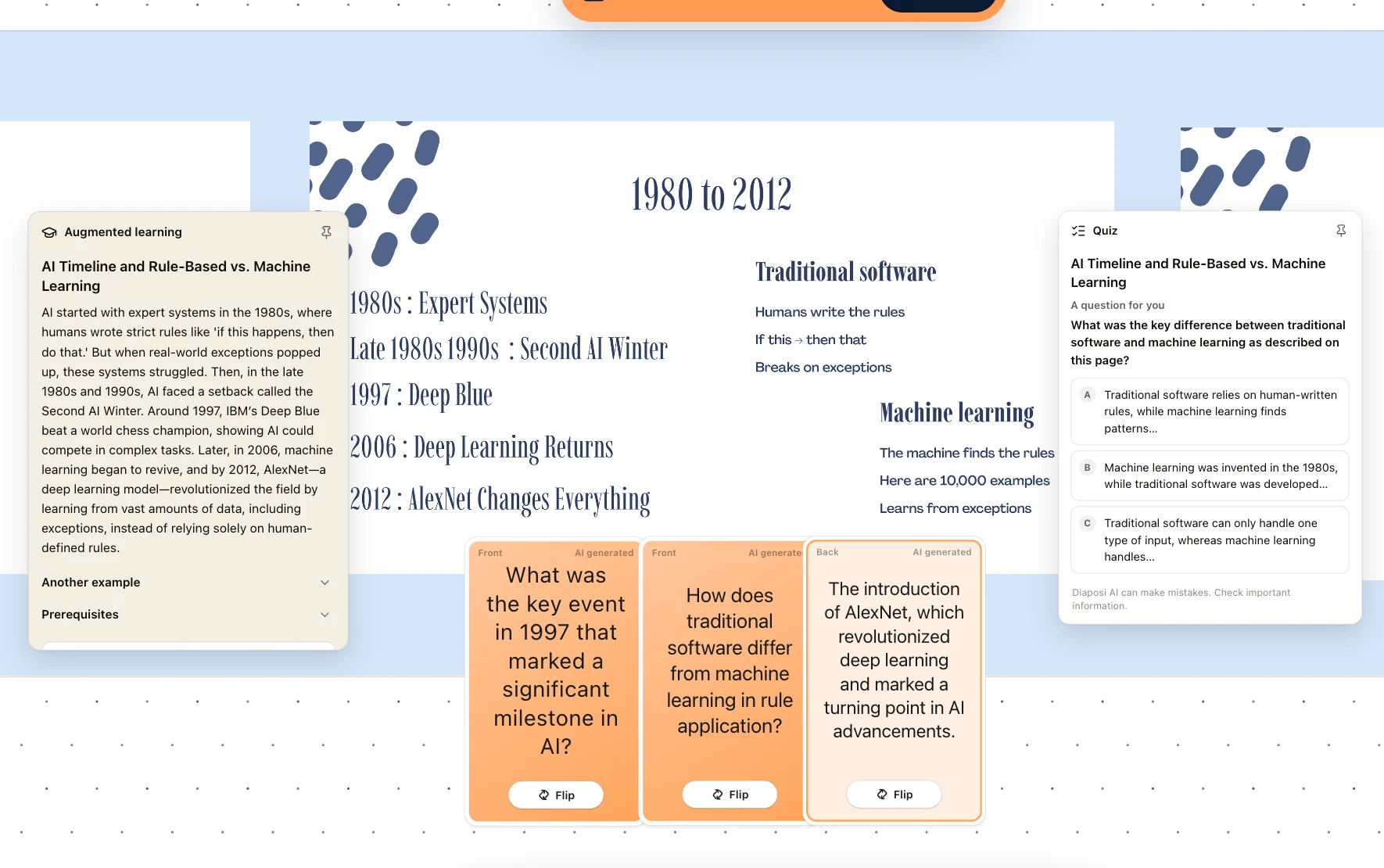
Answer before you look
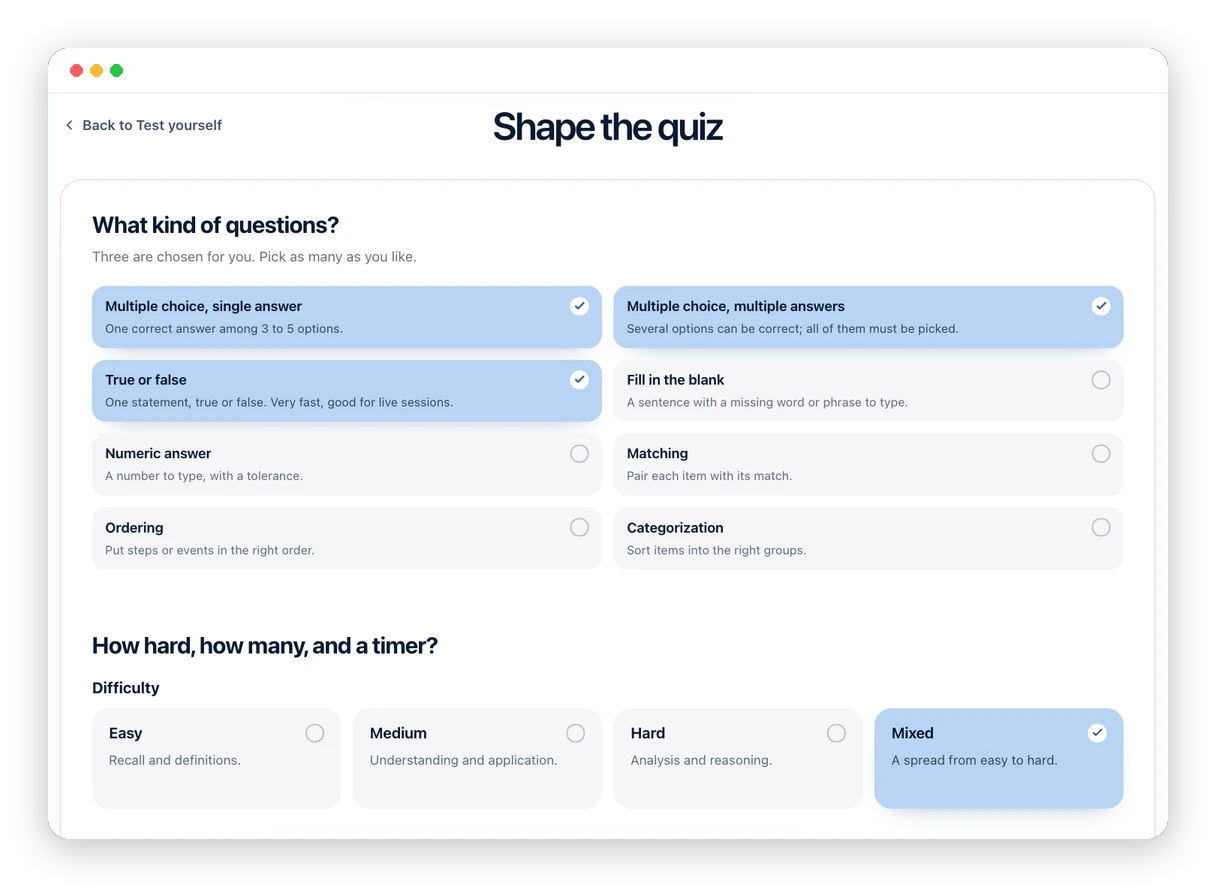
On your board, turn a page over: it hides while you recall it, then flip it back to check. If a question shows answers to choose from, say yours first. For the whole deck, generate a quiz: choose the chapters, the kinds of question and the difficulty. When you hand it in, each question shows your answer, the right one and why, with the page it comes from.
Let the misses come back
Switch on Flashcards. The cards are written from your pages and each shows its page number. After each card you grade your recall, Again, Hard, Good or Easy, and Diaposi sets when it comes back. Cards from pages you answered wrongly in a quiz come first.
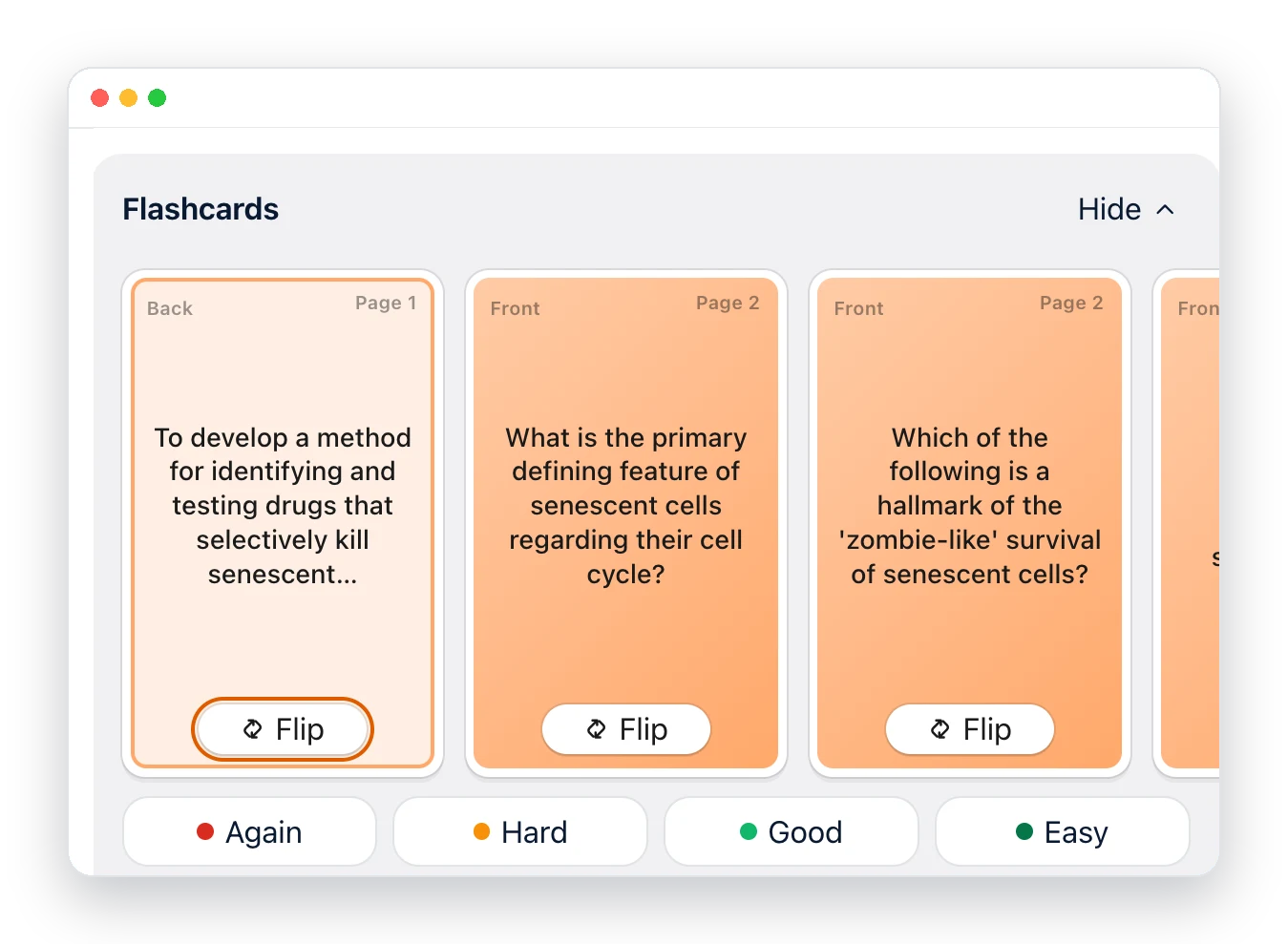
What it costs
- Free, for ever, no card: 10 credits to try the AI, 2 learning spaces with 1 document each, 1 quiz and 1 mock exam. A file can be up to 10 MB and 100 pages, so a deck longer than 100 slides needs Starter.
- Credits pay for the AI's work: 2 for a new learning space, 0.75 for a document added and read, 0.25 for a page explained with its quiz and flashcards, 2 for a quiz written. Free's 10 credits do not come back, so keep them for the slides you could not answer.
- Starter fits a semester of decks: €8.99 a month, or €5.99 a month billed once a year (€71.88), VAT included, for 100 credits every month, 10 learning spaces and files up to 50 MB and 250 pages.
- Pro is €15.99 a month, or €9.99 a month billed once a year: 200 credits every month, no limit on learning spaces, 10 friends invited, exports. Prices show in your currency on the pricing page.
On the site
- Augmented learning
The learner side on one page: your own course explained, practised and kept on one board.
- Learning with AI
What any page of your document can give you: simple words, another example, its prerequisites, a question.
- Flashcards
How cards are written from your pages, and how each one comes back on its own date.
Questions and answers
Are lecture slides enough to revise from?
Sometimes. Slides give the structure of the course and what your lecturer chose to show, so they tell you what to learn. They rarely hold the explanation, which was spoken. The test: if you can answer your question on a slide and say why, the slide was enough. If not, go to your notes, the recording or the set reading, for that slide only.
Should I rewrite or retype the slides as notes?
No. Copying a slide moves its words to a new page without asking you to recall any of them, and it is slow. Write one question per slide instead and answer it with the deck closed. Keep written notes for the slides you missed: the correct answer, in your own words, under your first attempt.
Should I look at the slides before the lecture?
Yes, briefly, and try to answer rather than read. Skim the titles, write a few questions and guess the answers. In five laboratory experiments on one short text, people who tried to answer questions before reading it did better on a later test than people given extra reading time, even on the questions they had first got wrong (Richland, Kornell and Kao, 2009). Then listen for the answers in the lecture.
Can AI write the questions from my slides?
Yes, and it saves the slowest step, but check what it writes. A tool can only use what is in the file, so a slide with three words gives a thin question, and a generated answer can be wrong. In Diaposi each corrected answer shows the page it comes from, and the explanation and quiz cards both say that Diaposi AI can make mistakes.
What is Diaposi?
Diaposi is a French EdTech ecosystem for interactive presentations and augmented learning: hosts run live polls, quizzes and anonymous questions on the PowerPoint, PDF or Word file they already have, and learners study their own documents with AI explanations, quizzes and mock exams. This guide uses the learner side.
Sources
7
- Roediger HL, Karpicke JD (2006). Test-enhanced learning: taking memory tests improves long-term retention. Psychological Science, 17(3), 249-255. doi.org/10.1111/j.1467-9280.2006.01693.x (external link)
- Karpicke JD, Butler AC, Roediger HL (2009). Metacognitive strategies in student learning: do students practise retrieval when they study on their own? Memory, 17(4), 471-479. doi.org/10.1080/09658210802647009 (external link)
- Dunlosky J, Rawson KA, Marsh EJ, Nathan MJ, Willingham DT (2013). Improving students' learning with effective learning techniques: promising directions from cognitive and educational psychology. Psychological Science in the Public Interest, 14(1), 4-58. doi.org/10.1177/1529100612453266 (external link)
- Cepeda NJ, Vul E, Rohrer D, Wixted JT, Pashler H (2008). Spacing effects in learning: a temporal ridgeline of optimal retention. Psychological Science, 19(11), 1095-1102. doi.org/10.1111/j.1467-9280.2008.02209.x (external link)
- Kornell N (2009). Optimising learning using flashcards: spacing is more effective than cramming. Applied Cognitive Psychology, 23(9), 1297-1317. doi.org/10.1002/acp.1537 (external link)
- Rowland CA (2014). The effect of testing versus restudy on retention: a meta-analytic review of the testing effect. Psychological Bulletin, 140(6), 1432-1463. doi.org/10.1037/a0037559 (external link)
- Richland LE, Kornell N, Kao LS (2009). The pretesting effect: do unsuccessful retrieval attempts enhance learning? Journal of Experimental Psychology: Applied, 15(3), 243-257. doi.org/10.1037/a0016496 (external link)